Displaying
Learn how to display Store Credit at all the right places.
Memberr makes it easy for you to display Store Credit at all the right places. Places include:
- On the Product Page
- In your Cart
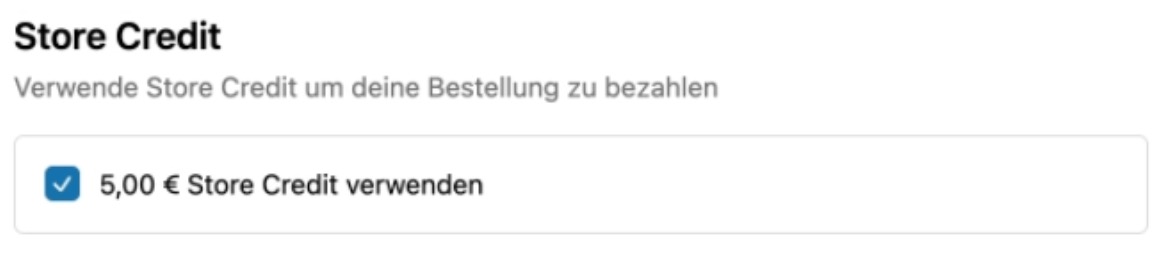
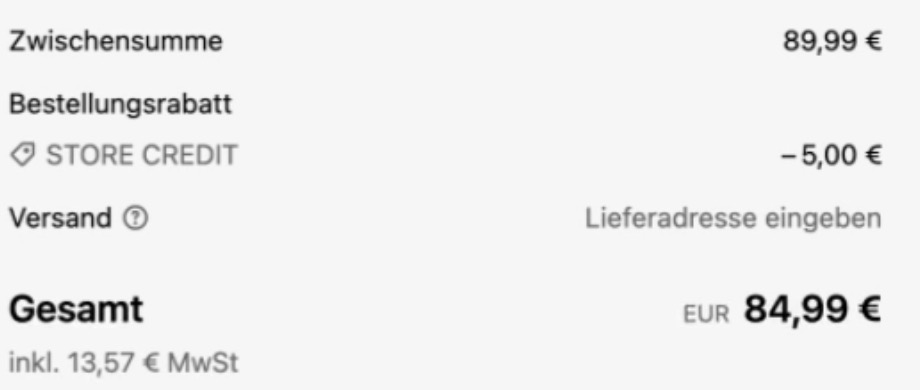
- At checkout
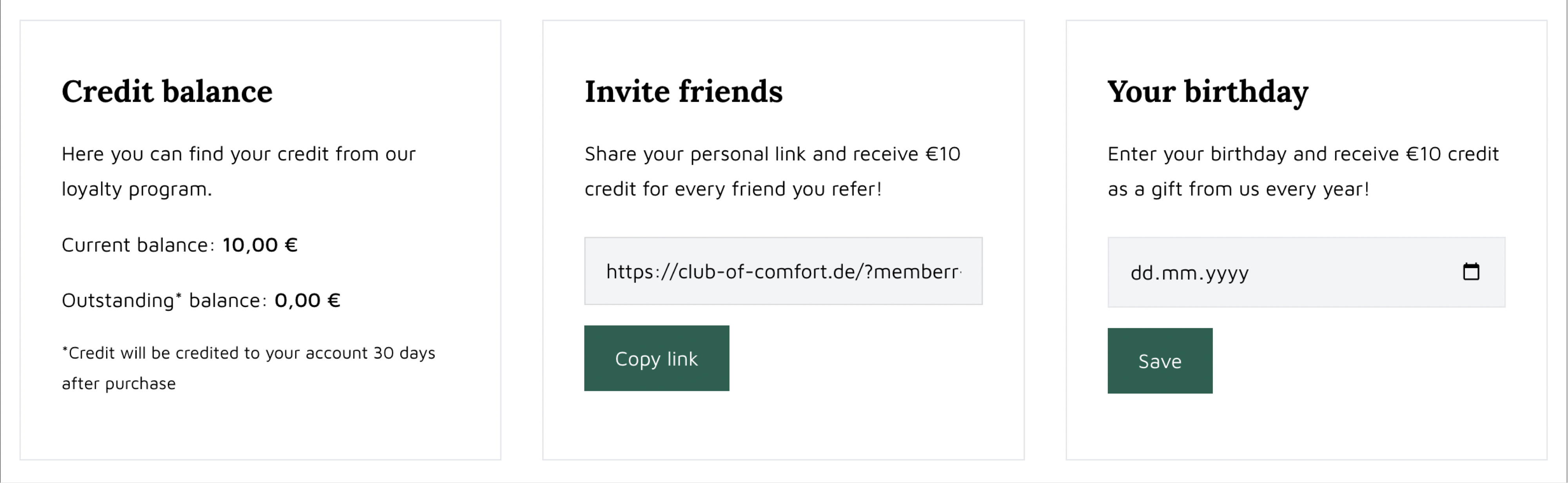
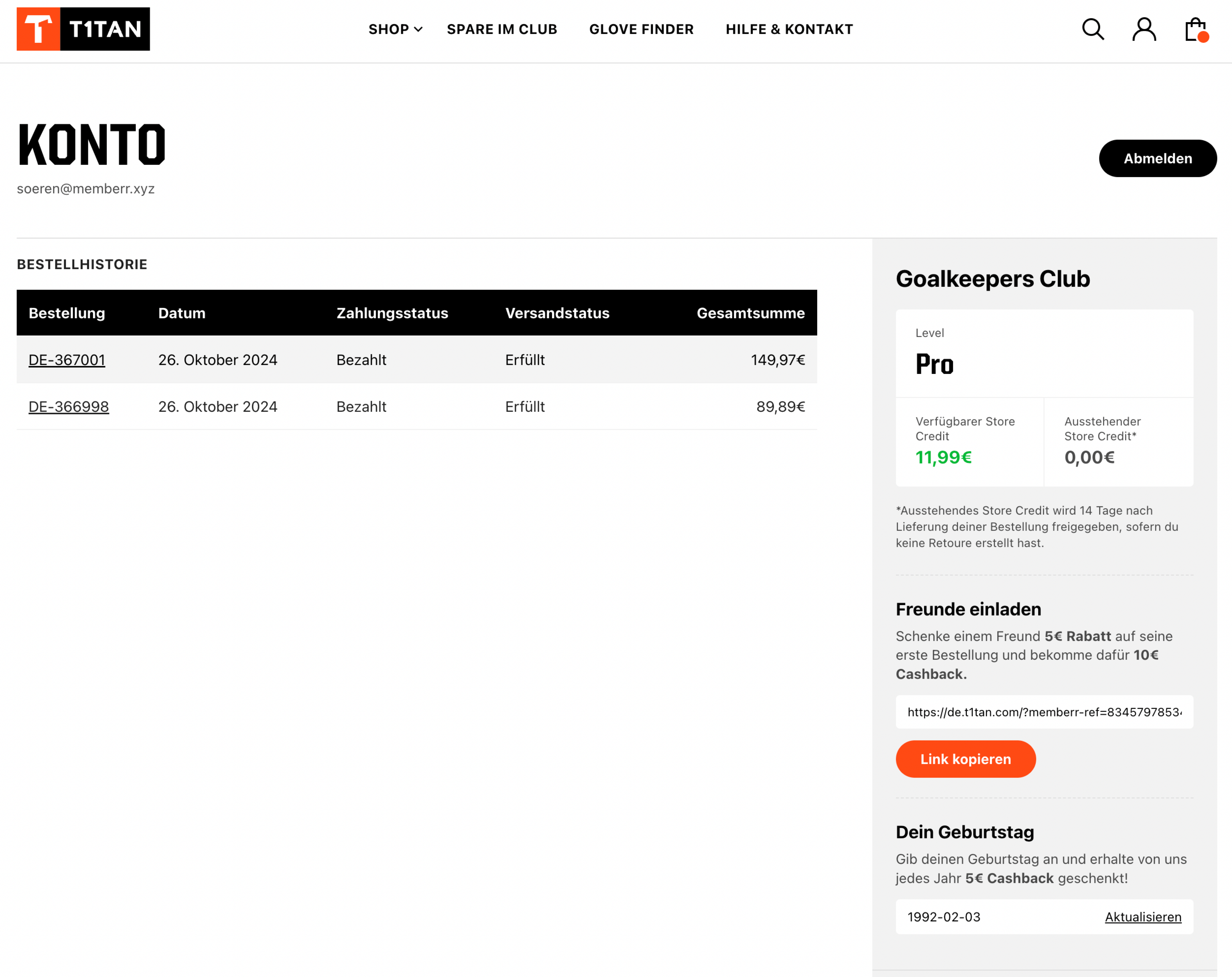
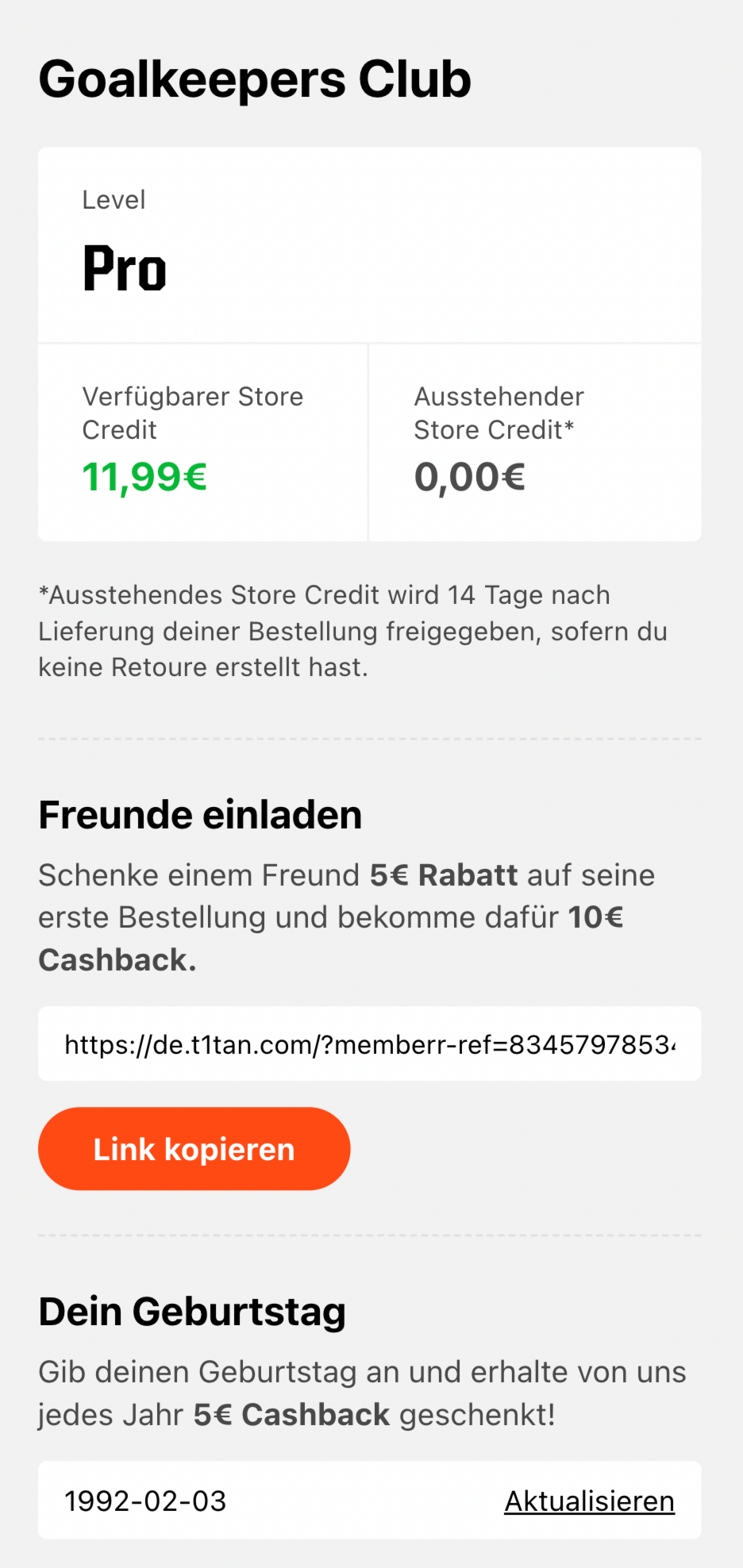
- In Customer Accounts
- On any page of your store
- In emails
For custom store front integrations, use the memberr sdk.
Further Resources
Customer Account UI Extensions
Use memberr Customer Account UI Extensions to display Store Credit in your customer account.
Metafields & Metaobjects
Use memberr Metafields & Metaobjects to strongly customise the integration with your store.
Theme App Extensions
Use memberr Theme App Extensions to display Store Credit on your storefront.
Implementation Examples
On the Product Page
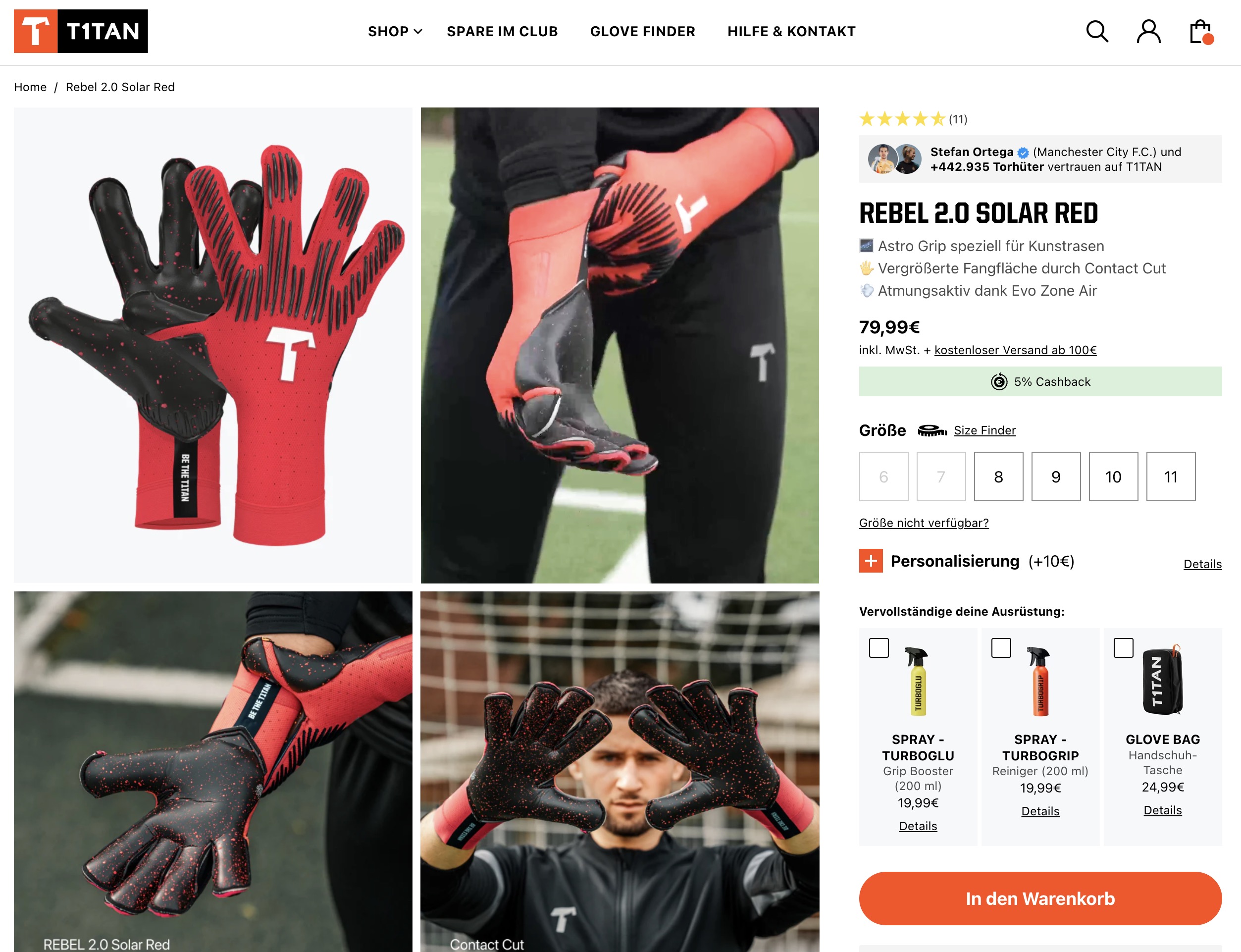
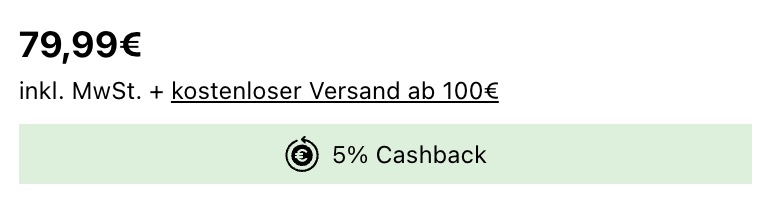
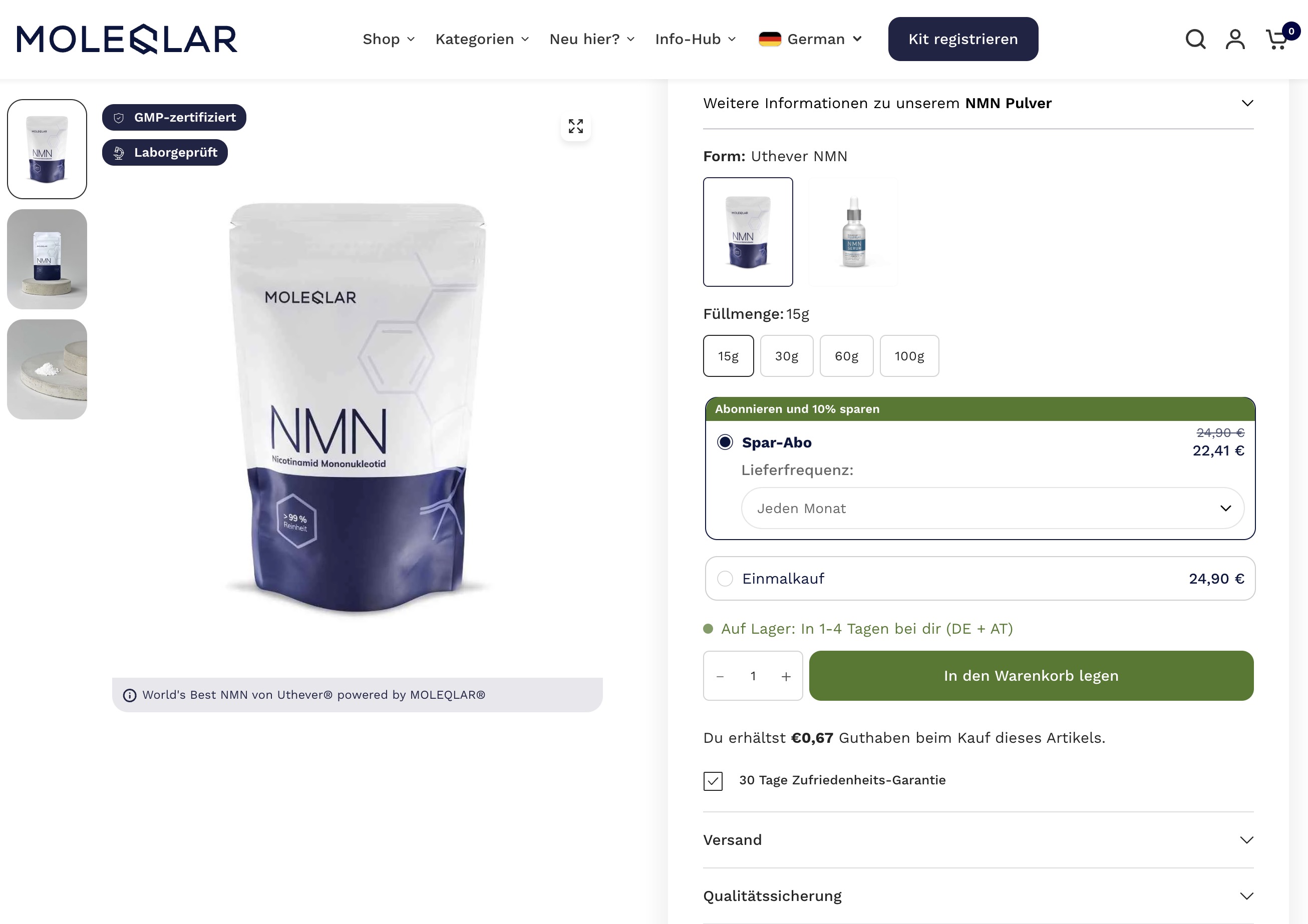
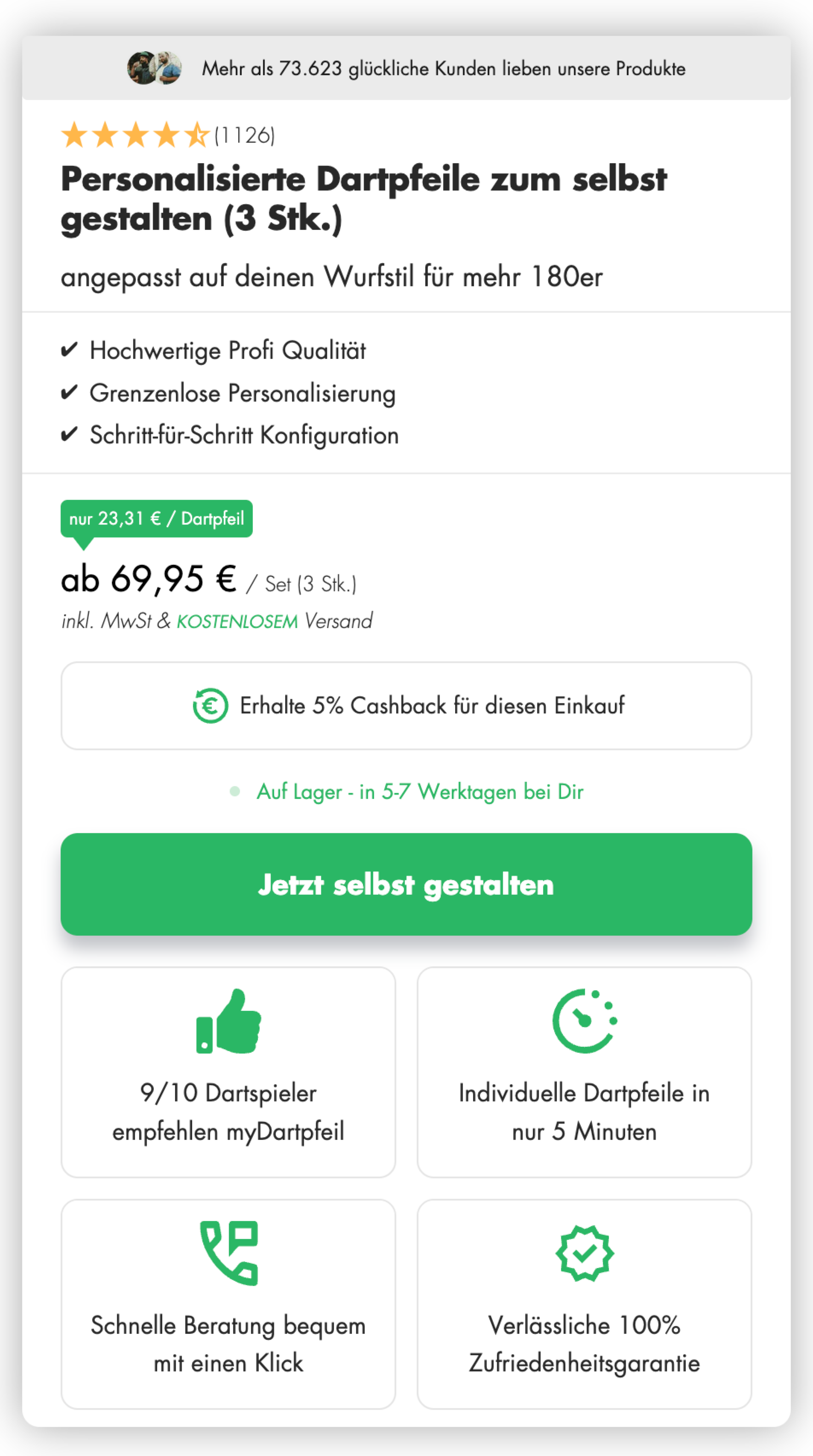
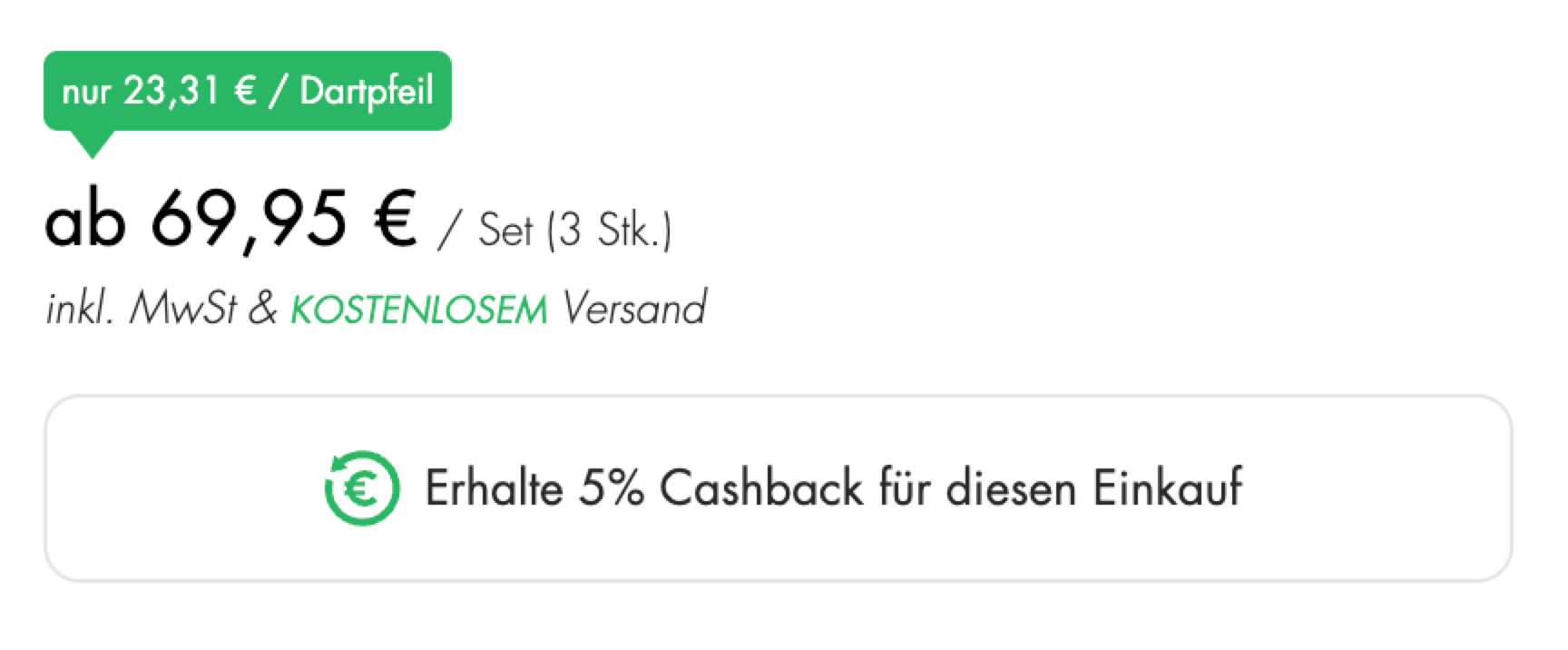
To increase your programs chance of success, it is important to display the Cashback amount on your product pages. This will allow customers to see the value of the Cashback and make informed decisions about which products to purchase. To add a notification to your product pages, open the product page in your store editor and place the memberr Cashback component on the page.
Examples
T1tan
Molecular

Club of Comfort
MyDartpfeil
In Cart Drawer
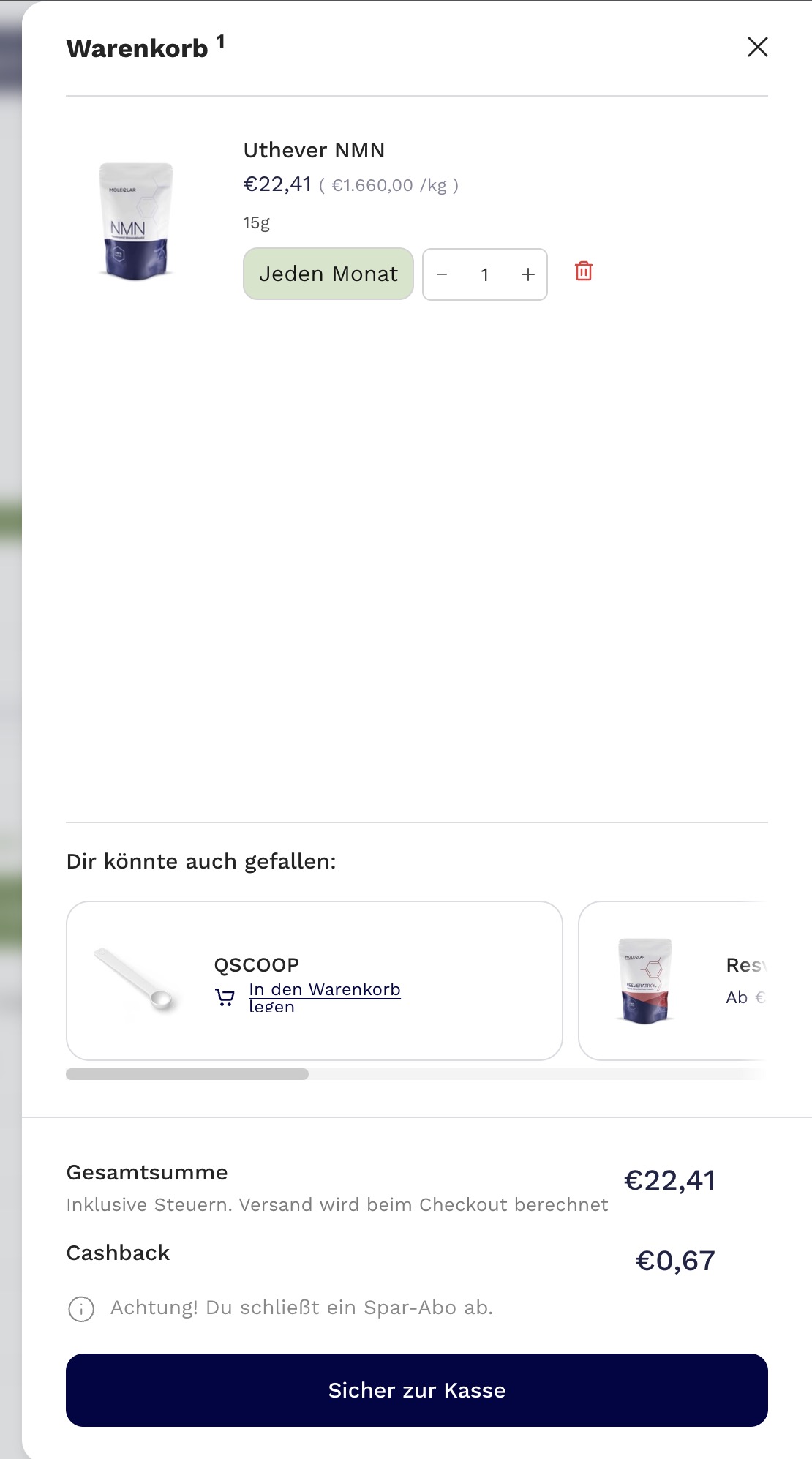
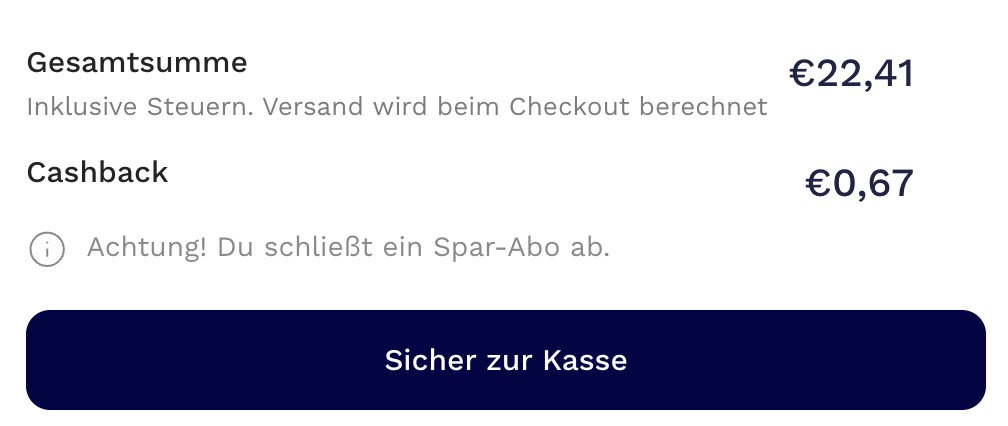
Molecular
T1tan
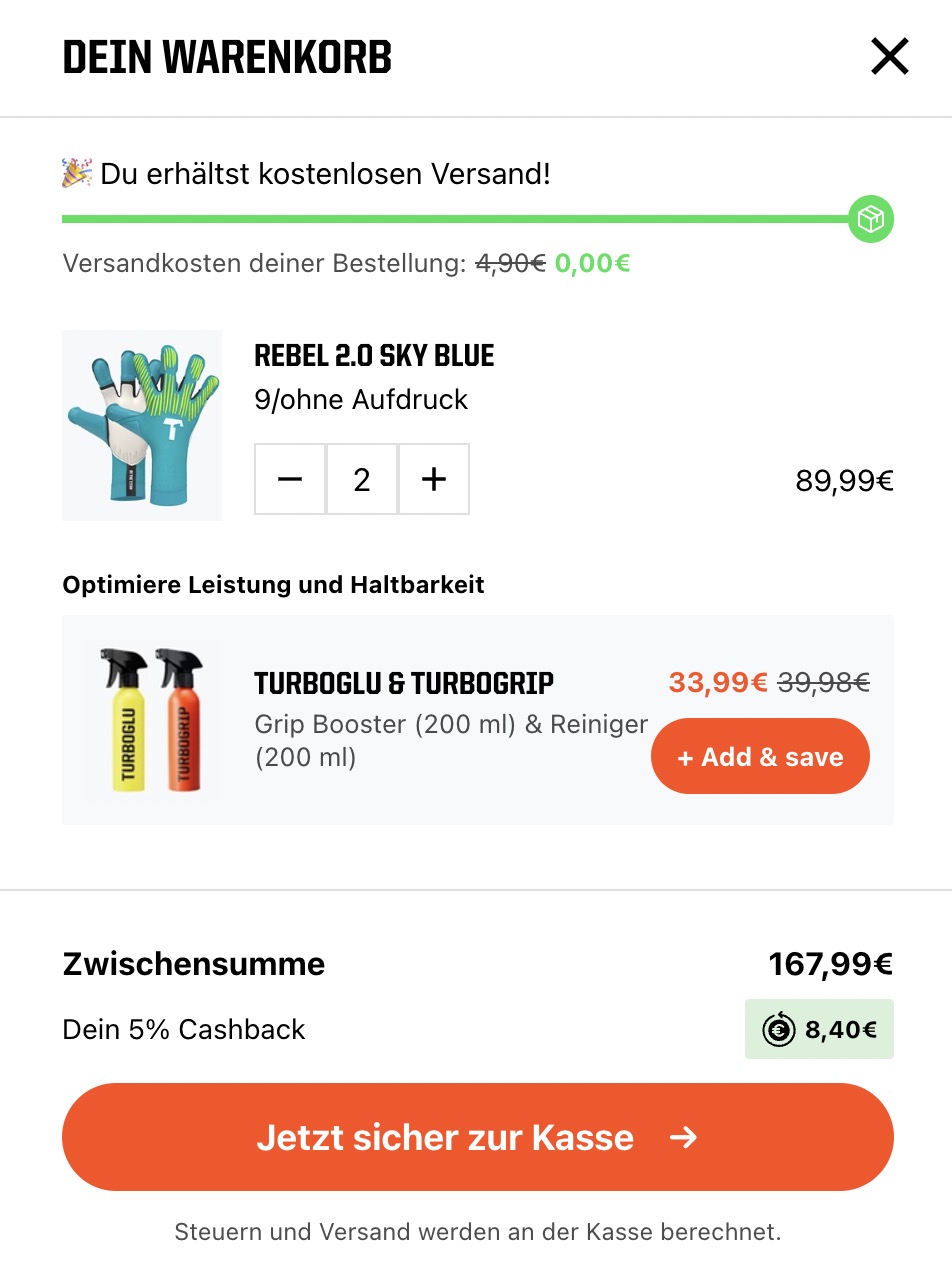

At Checkout
T1tan
{% if customer.metafields['memberr-v1'].store_credit_balance.value.current %}
  {% assign current_store_credit_balance = customer.metafields['memberr-v1'].store_credit_balance.value.current
    | minus: 0
  %}
{% else %}
  {% assign current_store_credit_balance = 0 %}
{% endif %}

{% if customer and current_store_credit_balance > 0 %}
  {% assign current_store_credit_balance_formatted = current_store_credit_balance | money %}
  <div style="display: flex; align-items: center; justify-content: space-between; padding: 1rem var(--gutter); padding-top: 0;">
    <span>
      {{- 'cart.general.apply_store_credit' | t: amount: current_store_credit_balance_formatted -}}
    </span>
    <memberr-store-credit-toggle
      active-color="#1b3e33"
      height="24"
      width="48"
      initial-state="{%- if cart.attributes.memberr_apply_store_credit == 'Yes' -%}true{%- else -%}false{%- endif -%}"
    ></memberr-store-credit-toggle>
  </div>
  <script>
    document.addEventListener(
      'memberr-toggle:change',
      () => {
        if (window.location.pathname === window.theme.routes.cartUrl) {
          window.location.reload();
        } else {
          document.documentElement.dispatchEvent(
            new CustomEvent('theme:cart:reload', {
              bubbles: true,
            })
          );
        }
      },
      {
        bubbles: true,
      }
    );
  </script>
{% endif %}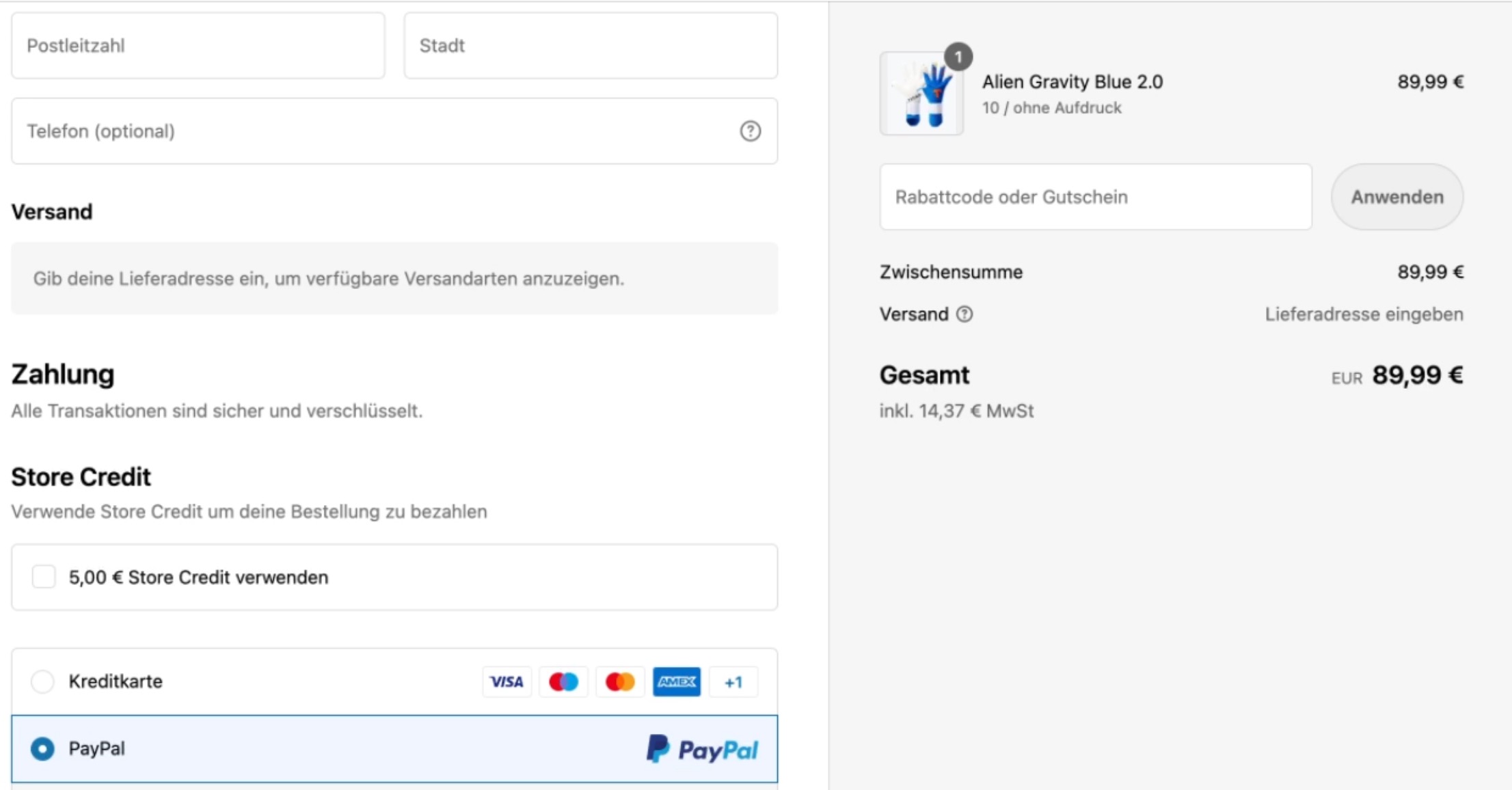
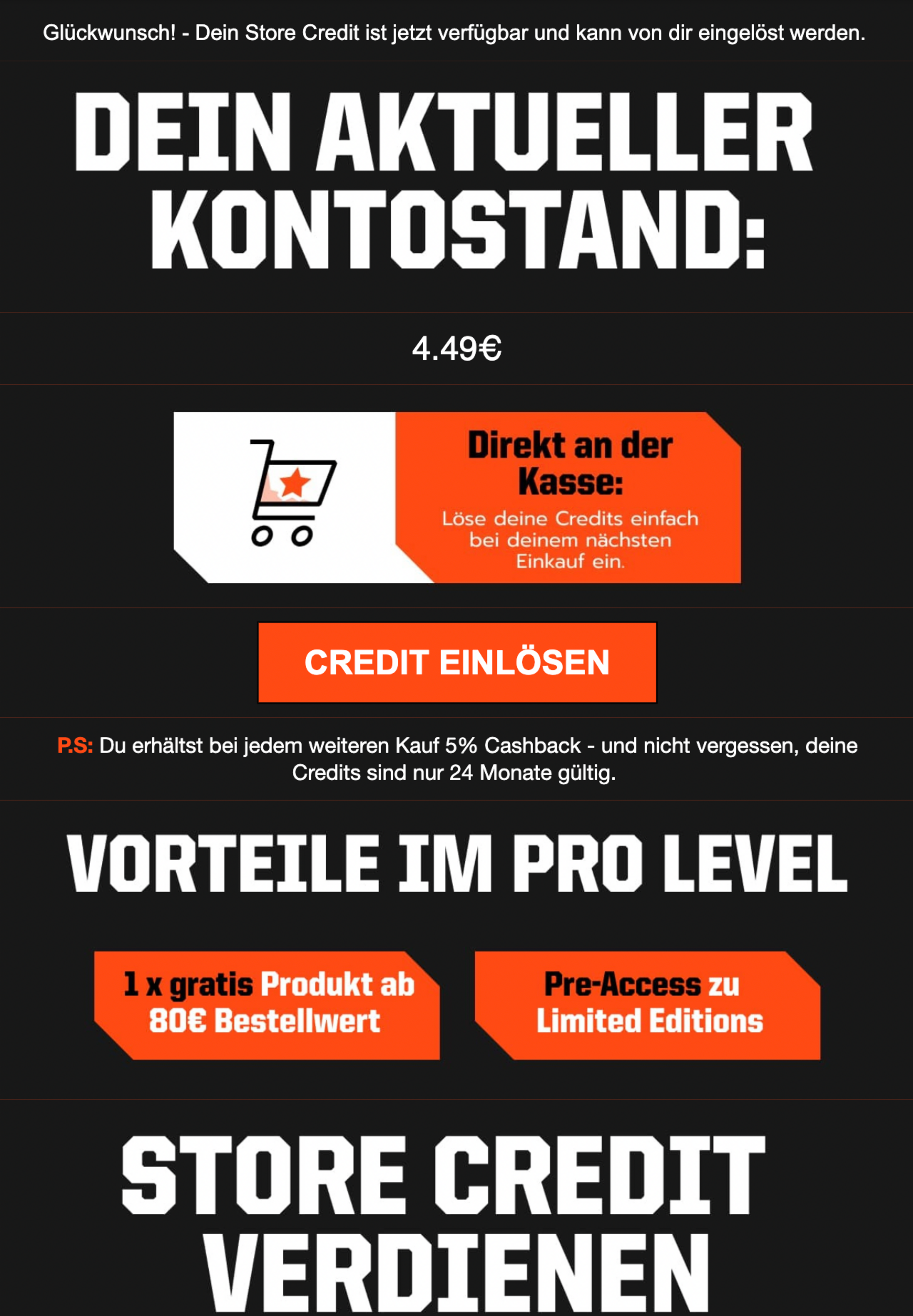
In Mails
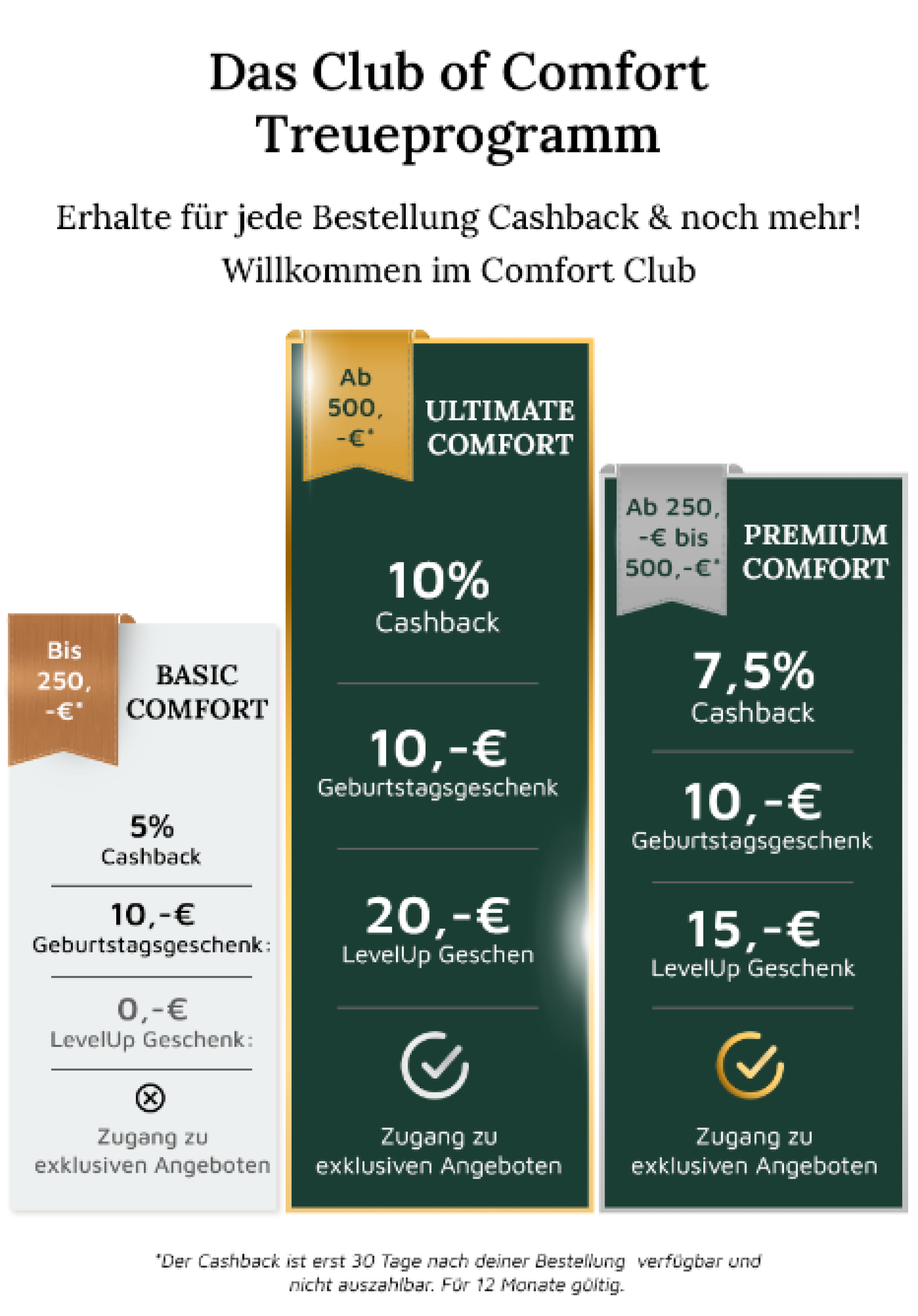
Club of Comfort
T1tan

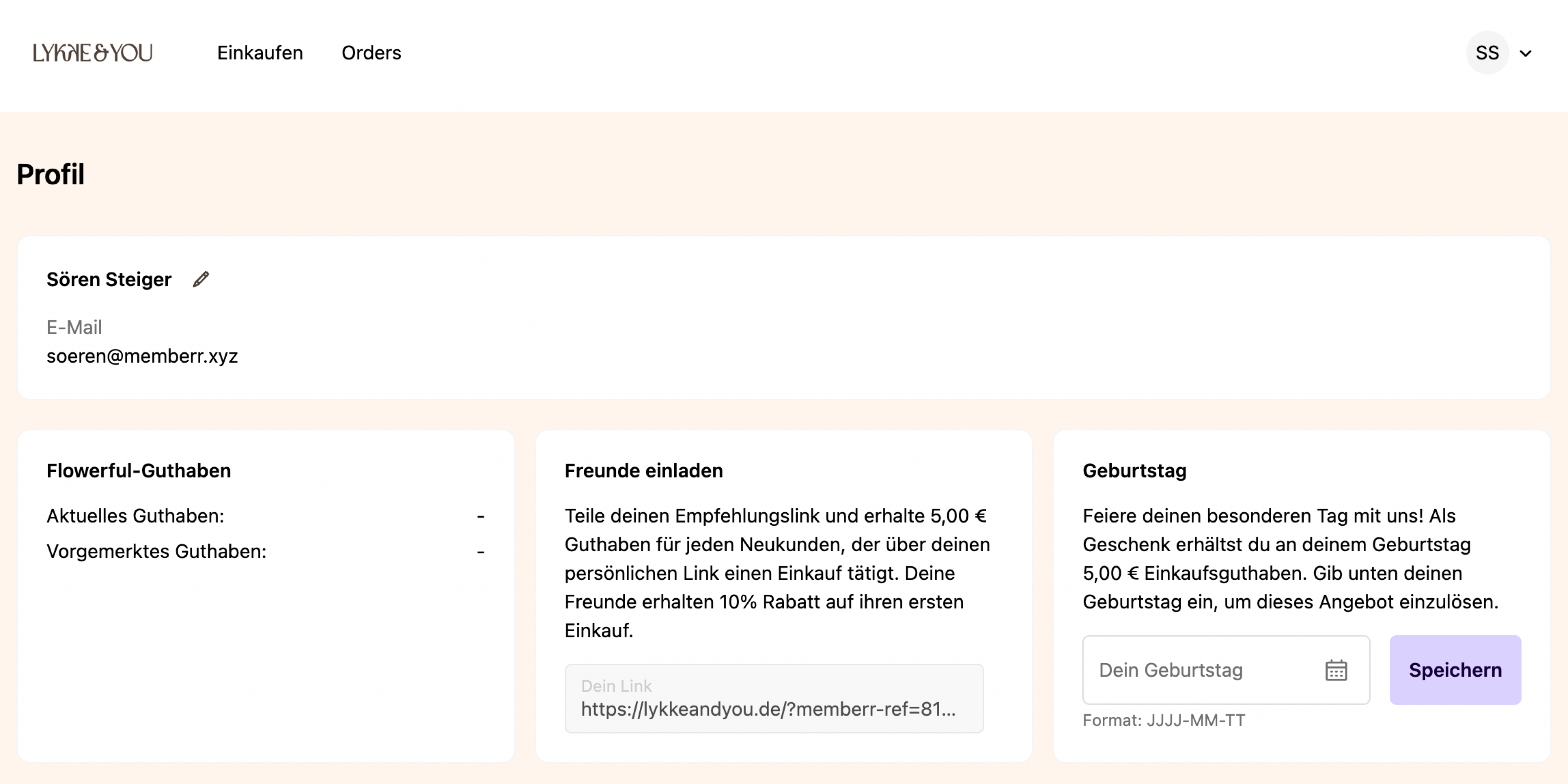
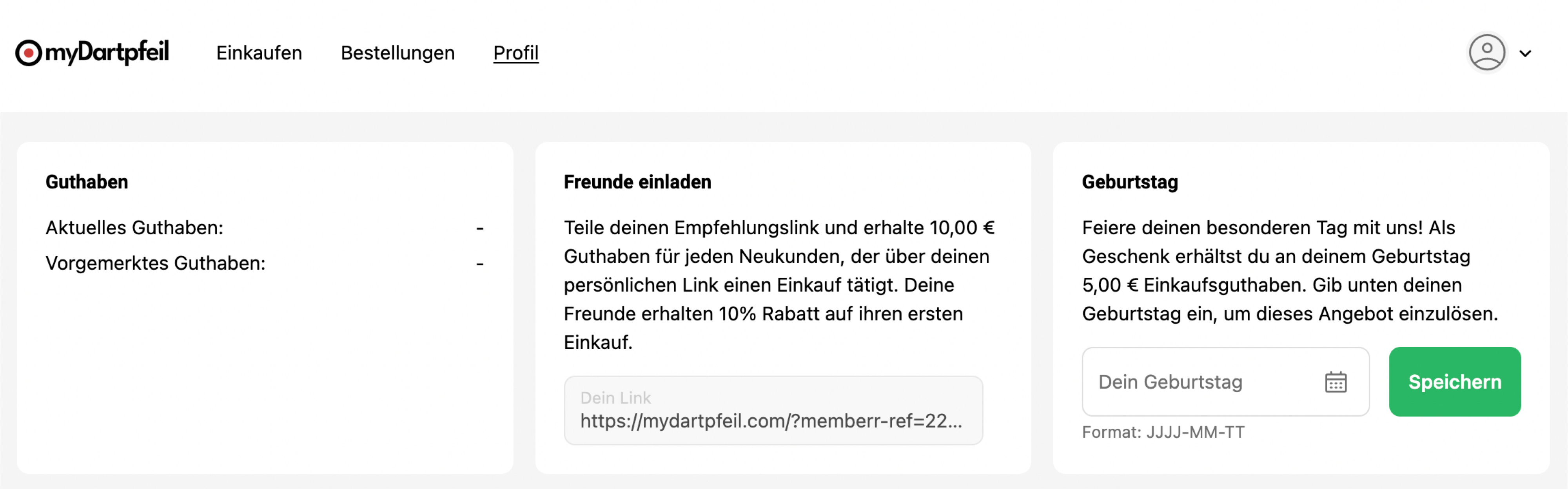
In the Customer Account
Lykke & You
MyDartpfeil
T1tan
On any page of your store
memberr provides a collection of metafields and metaobjects that allow you to display Store Credit on any part of your store.
Further Resources
Customer Account UI Extensions
Use memberr Customer Account UI Extensions to display Store Credit in your customer account.
Metafields & Metaobjects
Use memberr Metafields & Metaobjects to strongly customise the integration with your store.
Theme App Extensions
Use memberr Theme App Extensions to display Store Credit on your storefront.