Cart Page Toggle
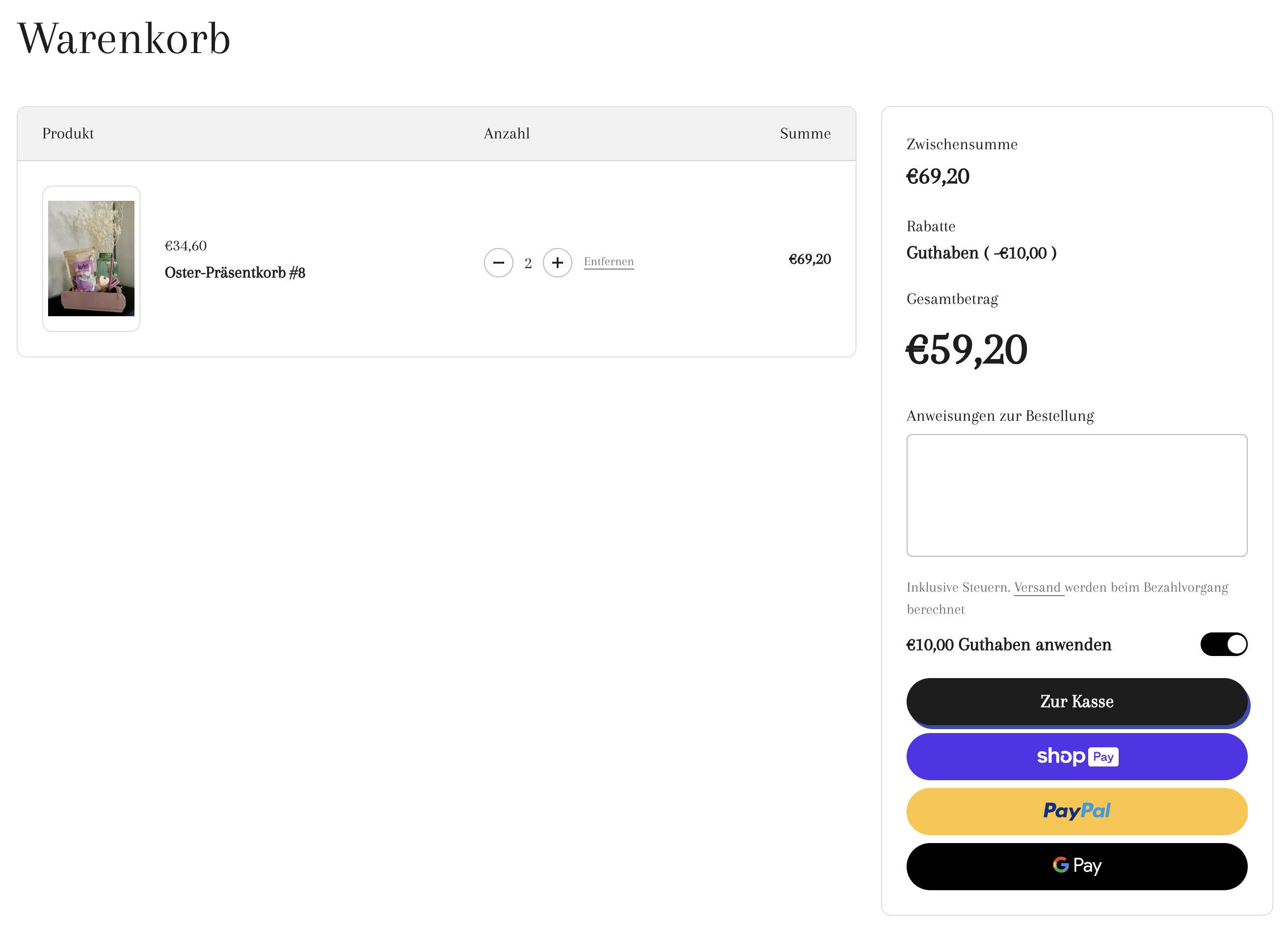
Learn how to use Cart Page Toggle to redeem Store Credit.
Adding a Store Credit toggle to the cart page is in some ways easier than adding a Store Credit toggle to the cart drawer.
Unlike when adding the Store Credit toggle to the cart drawer, you don't need to search and listen for a cart:updated event. You can simply call window.location.reload(); to refresh the cart page.
Step 1:
Create a new snippet snippets/memberr-sc-toggle.liquid.
Standard:
Show Code
<style>
  .memberr-sc-toggle-wrapper {
    display: flex;
    align-items: center;
    justify-content: space-between;
  }
</style>

<memberr-if-has-store-credit style="width: 100%;">
  <div class="memberr-sc-toggle-wrapper">
    <span>
      <memberr-current-store-credit-balance></memberr-current-store-credit-balance>
      <memberr-store-credit-name></memberr-store-credit-name> anwenden
    </span>
    <memberr-store-credit-toggle
      active-color="#000000"
      height="24"
      width="48"
      initial-state="{% if cart.attributes.memberr_apply_store_credit == 'Yes' %}true{% else %}false{% endif %}"
      style="height: 24px;"
    ></memberr-store-credit-toggle>
  </div>
</memberr-if-has-store-credit>

<script>
  document.addEventListener('memberr-toggle:change', () => {
    window.location.reload();
  }, {
    bubbles: true
  });
</script>
With internationalization:
Show Code
<memberr-if-has-store-credit style="width: 100%;">
  <div class="flex items-center justify-between w-full text-sm" style="gap: .5rem;">
    <p>
      {{- 'memberr.apply_store_credit_html' | t -}}
    </p>
    <memberr-store-credit-toggle
      active-color="#000000"
      height="24"
      width="48"
      initial-state="{% if cart.attributes.memberr_apply_store_credit == 'Yes' %}true{% else %}false{% endif %}"
      style="height: 24px;"
    ></memberr-store-credit-toggle>
  </div>
</memberr-if-has-store-credit>

<script>
  document.addEventListener('memberr-toggle:change', () => {
    window.location.reload();
  }, {
    bubbles: true
  });
</script>
Add the following translations to your translation files usually located at locales/en.default.json
en.default.json example:
(...)

"memberr": {
  "apply_store_credit_html": "Apply <memberr-current-store-credit-balance></memberr-current-store-credit-balance> <memberr-store-credit-name></memberr-store-credit-name>"
},

(...)
de.json example:
(...)

"memberr": {
  "apply_store_credit_html": "<memberr-current-store-credit-balance></memberr-current-store-credit-balance> <memberr-store-credit-name></memberr-store-credit-name> einlösen"
},

(...)
Make sure to add this to all of your language files.
Step 2:
Locate the file in your theme that contains the code for your cart drawer and add the following liquid code to render the store credit toggle:
{%- render 'memberr-sc-toggle' -%}Note that the toggle will only be shown if you as the customer have Store Credit and Store Credit is enabled in the memberr settings.
Step 3:
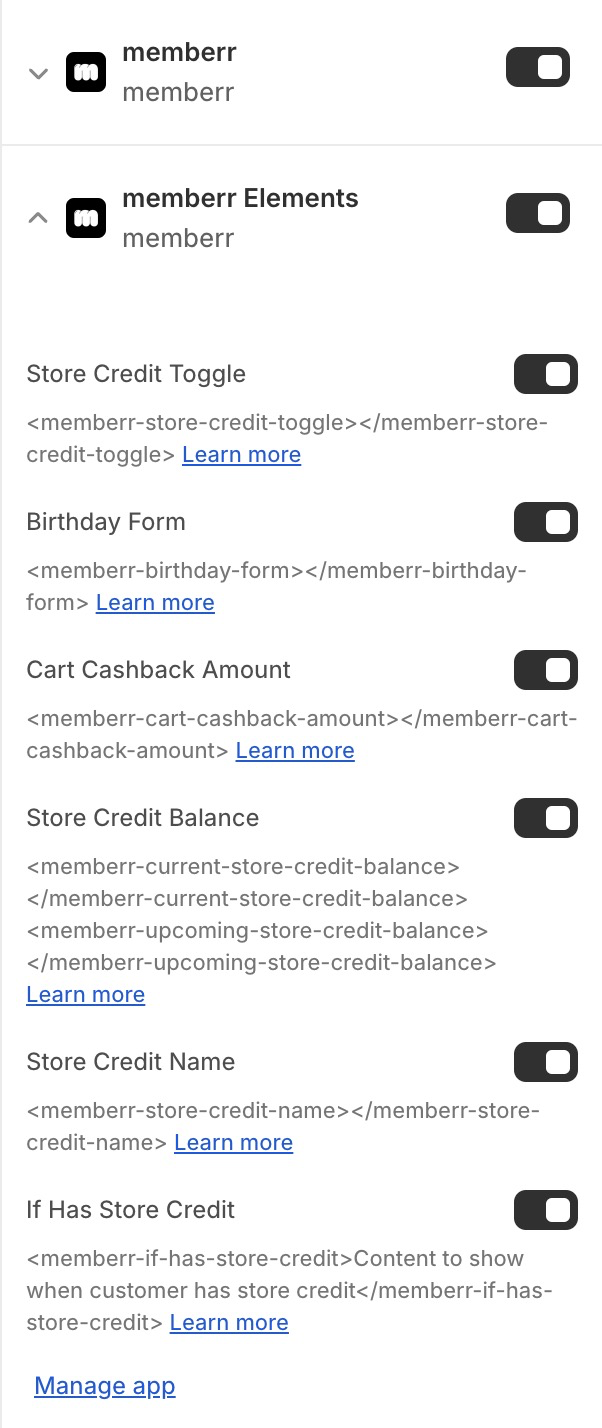
Activate memberr elements in your Theme Settings: