CustomizeRedeeming Store Credit
Checkbox at Checkout
Learn how to add a checkbox to redeem Store Credit to your checkout.
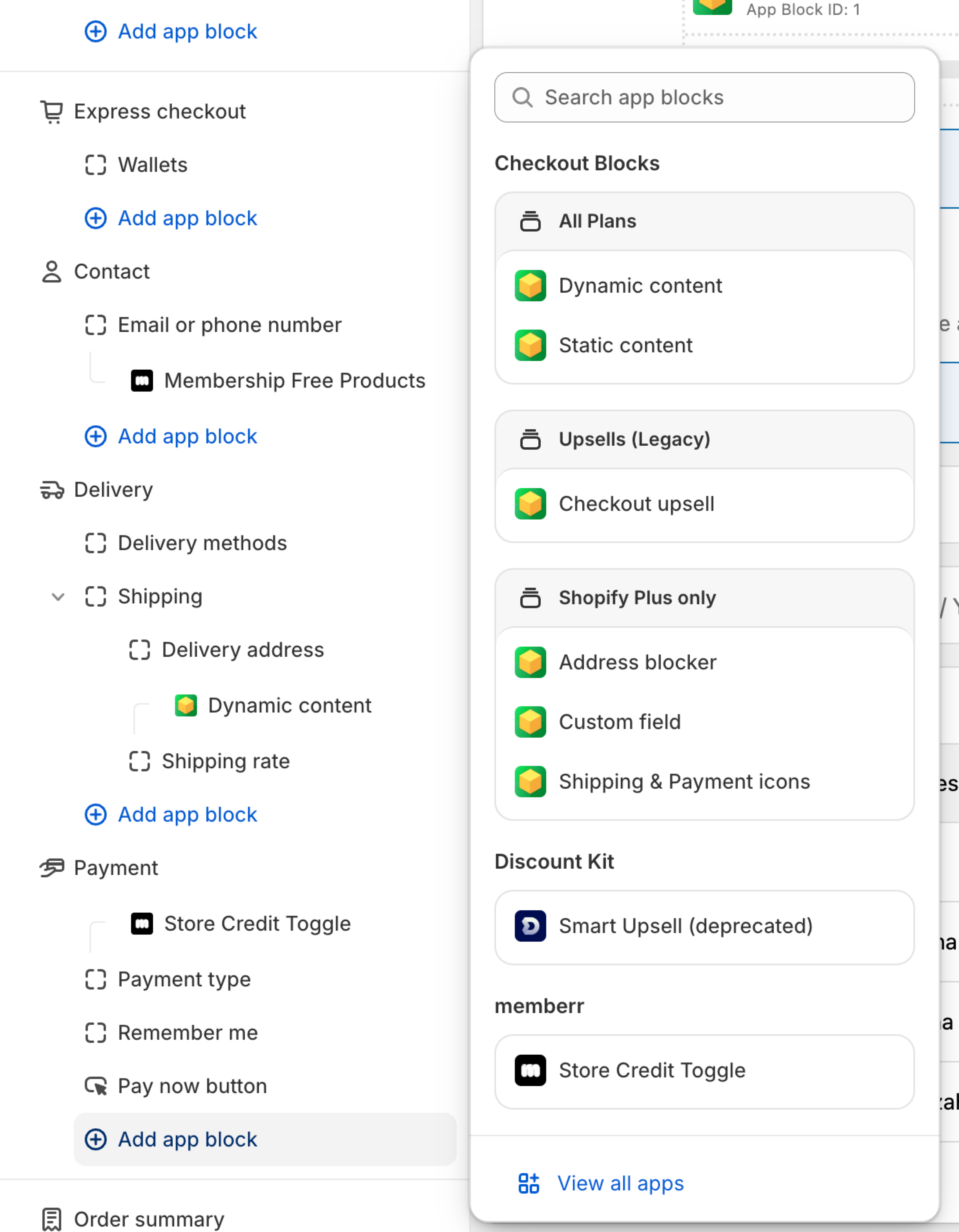
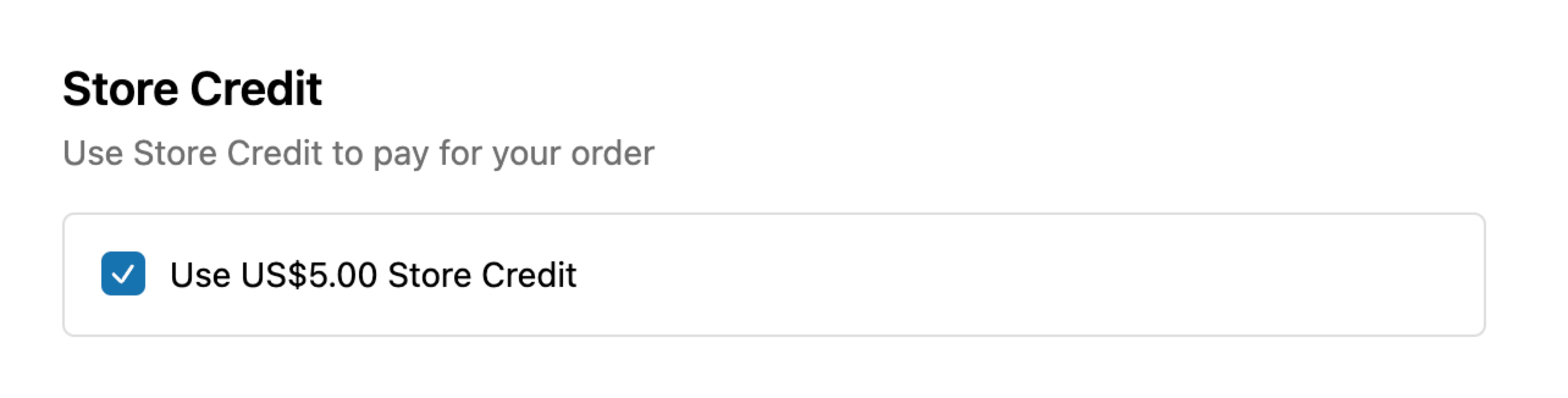
The memberr Store Credit Toggle appears in the payment section of the shopify checkout page, allowing customers to easily apply their available Store Credit to their purchase.
Open the shopify theme editor and select Checkout and customer accounts page from the page dropdown in the top center of your screen.
Then select the Checkout page from the same dropdown. You can then add the redeem checkbox block in the left hand sidebar.
For more details, see the Store Credit Toggle guide.