Thank You page
Smart Upsells and authored flows on the Shopify Thank You / order confirmation page - not the post-purchase interstitial.
Thank You page upsells run after the customer reaches the order confirmation page. They are not the Shopify post-purchase interstitial (that surface is Post-purchase page).
| This page (Thank You) | Post-purchase page | |
|---|---|---|
| Timing | On confirmation / Thank You | Between payment and Thank You |
| Accept | Add to the order | Pay now - immediate charge |
| Admin | Upsells → Thank You page | Upsells → Post-purchase page |
| Trigger | Order placed | Payment completed |
| Smart Upsells | Yes | No |
Drag Thank You flows to reorder - the engine picks the highest-ranked matching flow. Share of traffic to Smart Upsells vs manual funnels is set in Smart Upsells settings.
Smart Upsells card
At the top of the list, the Smart Upsells program card shows traffic split, offers count, measurement holdout, and recent performance. Use Configure, Analytics, or activate/pause. Full settings: Smart Upsells.
Smart Upsells only serves the Thank You page.
Flows
| Action | What it does |
|---|---|
| + New flow | Creates an Untitled flow and opens the flow builder with trigger Order placed |
| Drag | Sets priority when several flows match |
| Configure | Opens the flow editor |
| On/Off | Activates or pauses the flow |
Per-flow metrics: Impressions, Revenue, Conversion rate, Revenue / impression.
These flows are separate from the list under Upsells → Post-purchase page.
Incentive Engine reference
Authored Thank You flows use the shared Incentive Engine. For condition fields on this surface and the canvas reference:
Thank You page facts
Full context.order fields for conditions.
Incentive Engine flow builder
Canvas shell, caps, conditions, and A/B splits.
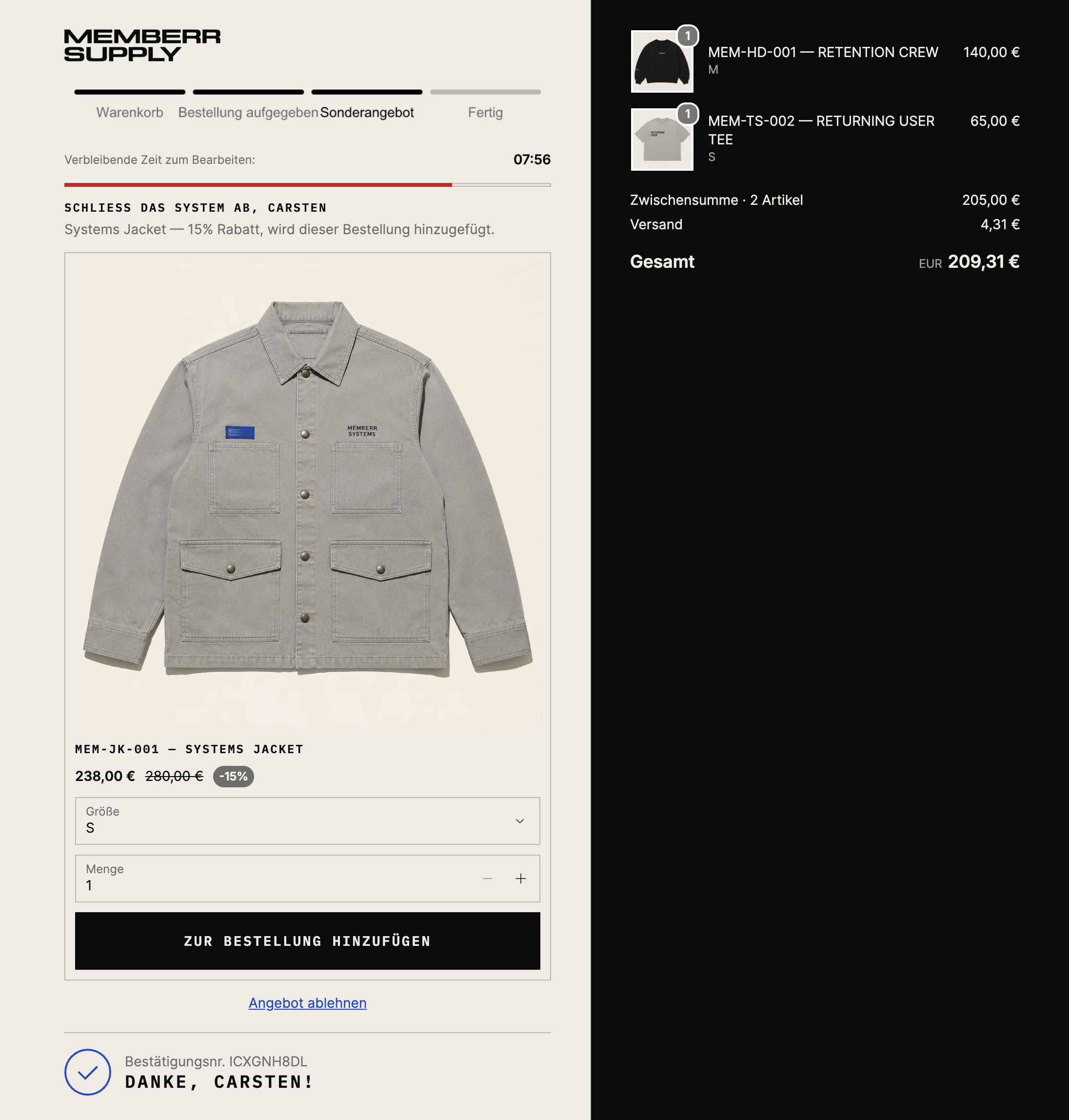
What customers see
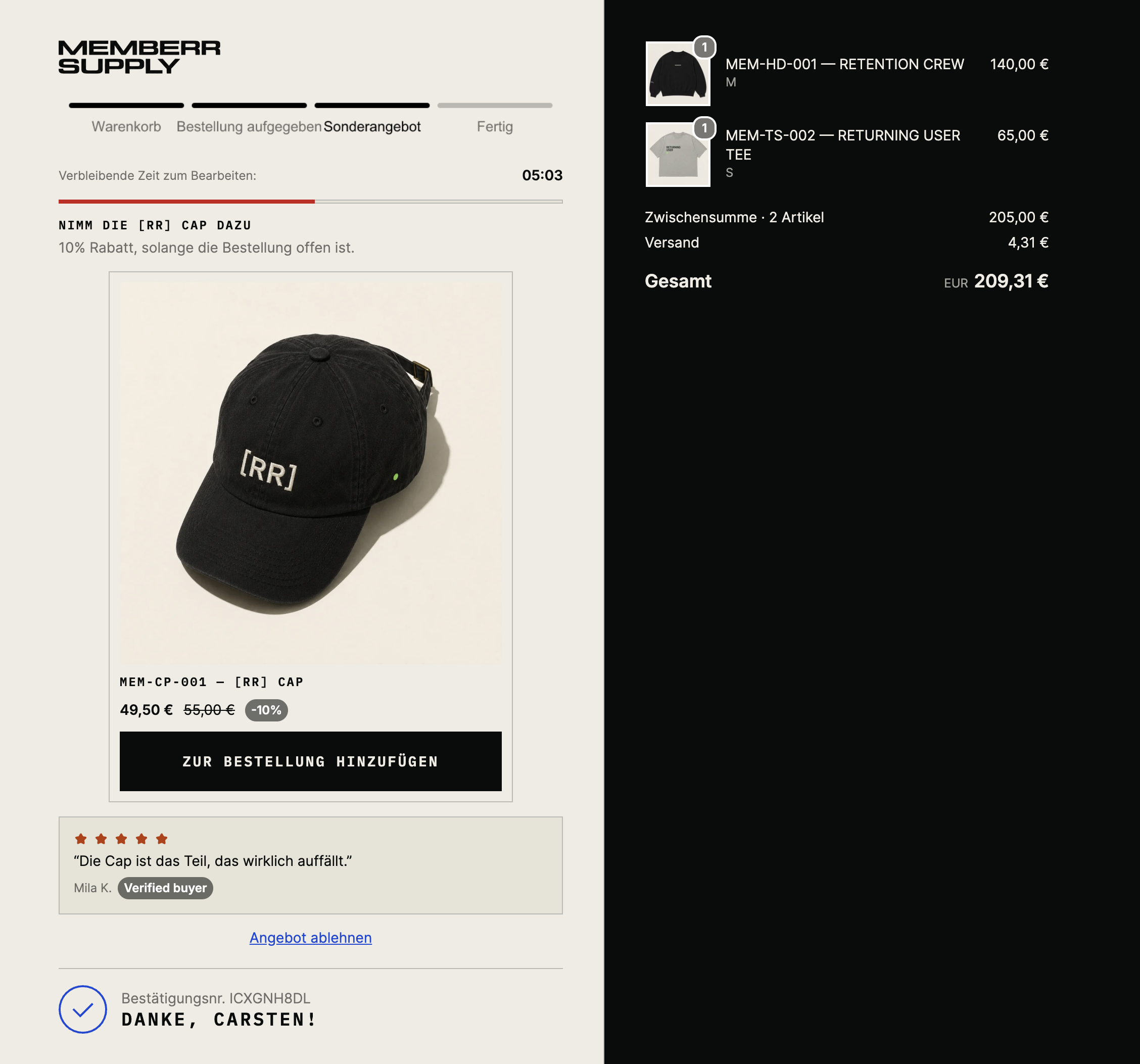
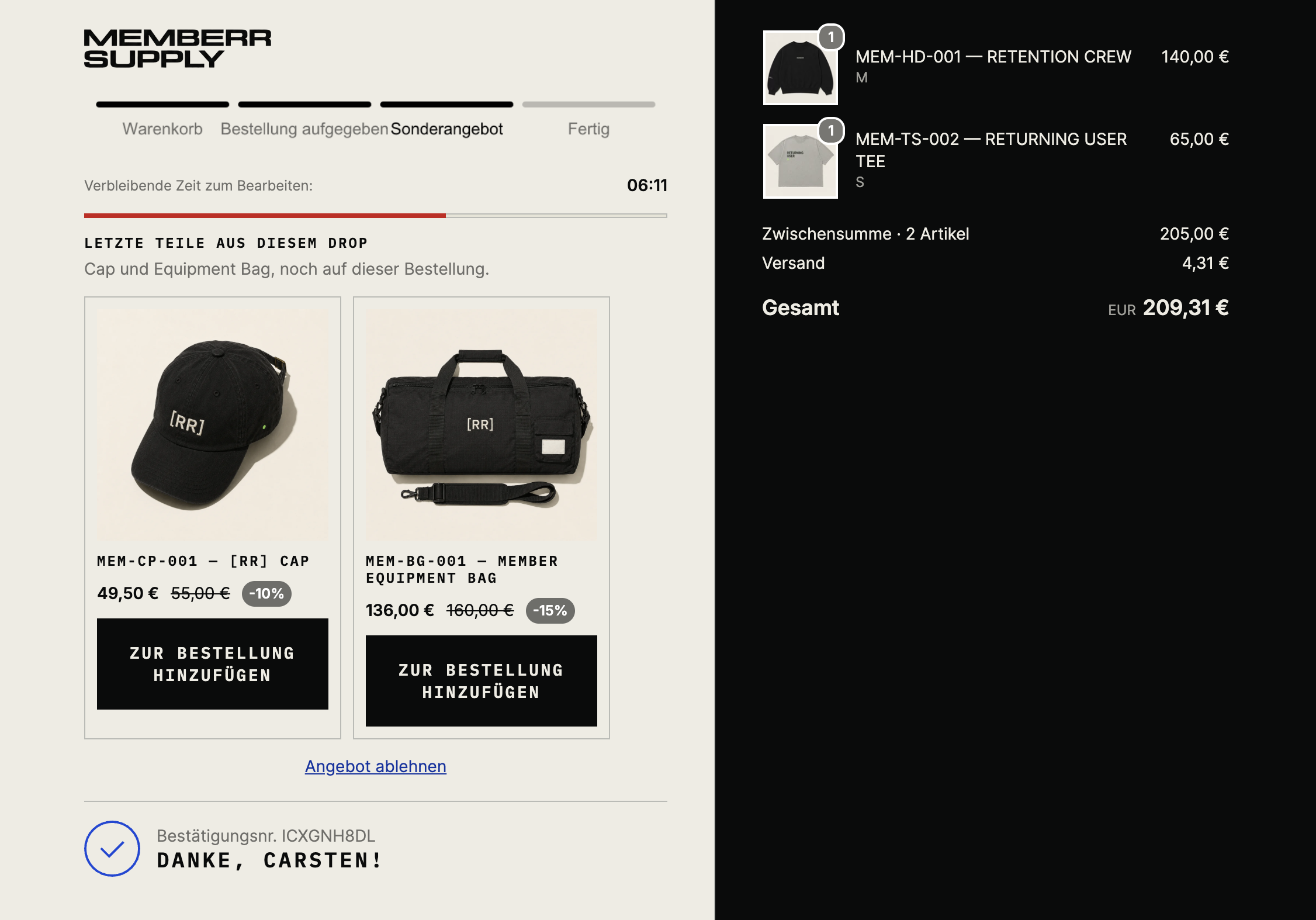
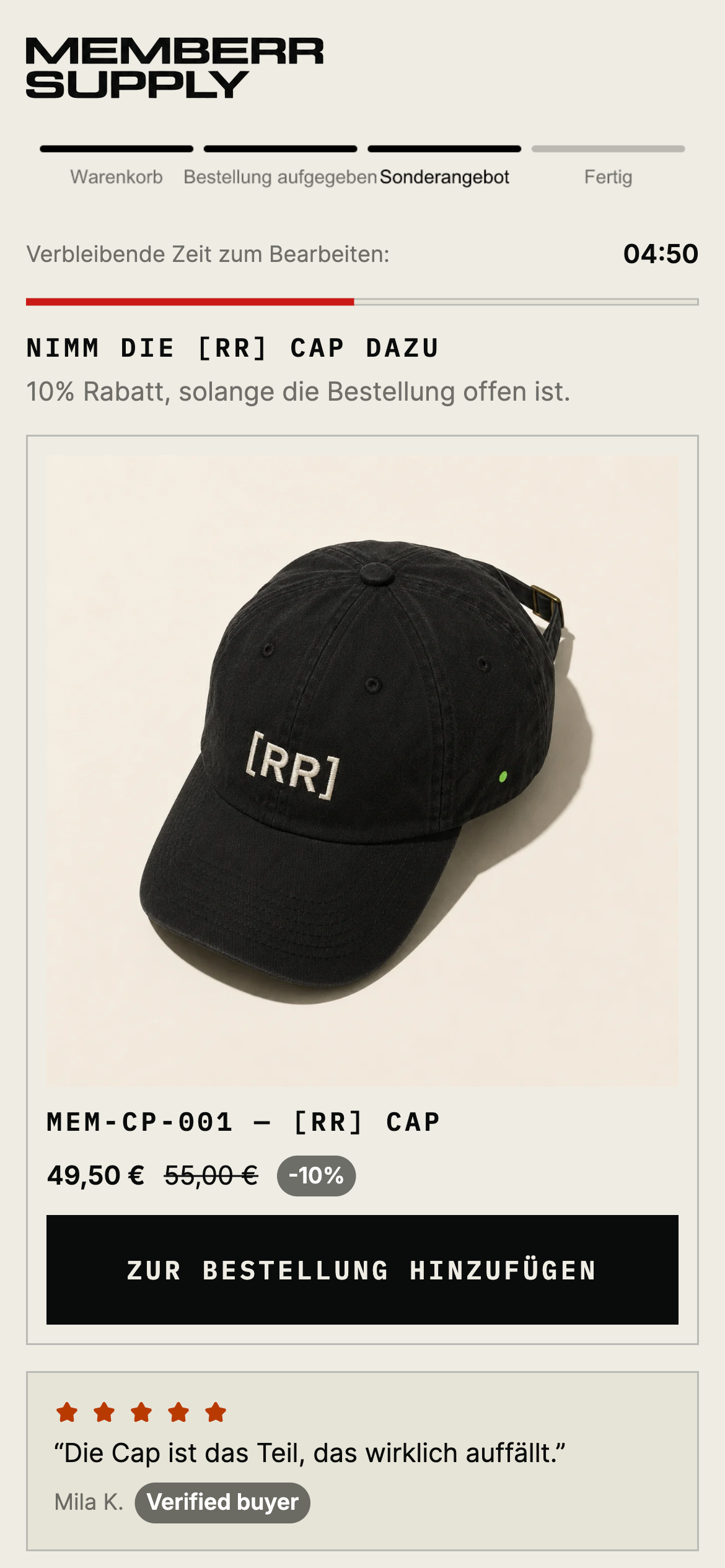
Offer cards sit on the confirmation page. Customers tap Add (or Add to order) or dismiss (No, thanks / Skip). Look for confirmation chrome and the original order summary - not a Pay now button.
With social proof:
Multi-product layouts (Smart Upsells or a multi-mode Upsell step):
Mobile:
Side-by-side with post-purchase: What customers see.