Getting started
Where to open the Incentive Engine flow builder in each memberr product.
The Incentive Engine editor lives inside every memberr app that uses flows. There is no separate app to install for the engine itself.
Open the builder
| Surface | Where in admin | Trigger label (typical) |
|---|---|---|
| Thank You page | Upsells → Thank You page (or Order Editing → Upsells → Thank You) | Order placed |
| Post-purchase page | Upsells → Post-purchase page | Payment completed |
| Cancel flow | Subscriptions cancel / retention flows | Cancel intent |
| Account upsell | Subscriptions account upsell | Upsell viewed |
| Order-status nudge | Subscriptions order-status nudges | Order status viewed |
| Cart drawer | Cart drawer offers | Cart viewed |
Create flows from the list for that surface. The surface locks the trigger - you cannot move a Thank You flow onto the post-purchase interstitial later.
First flow checklist
- Open the correct surface list (table above).
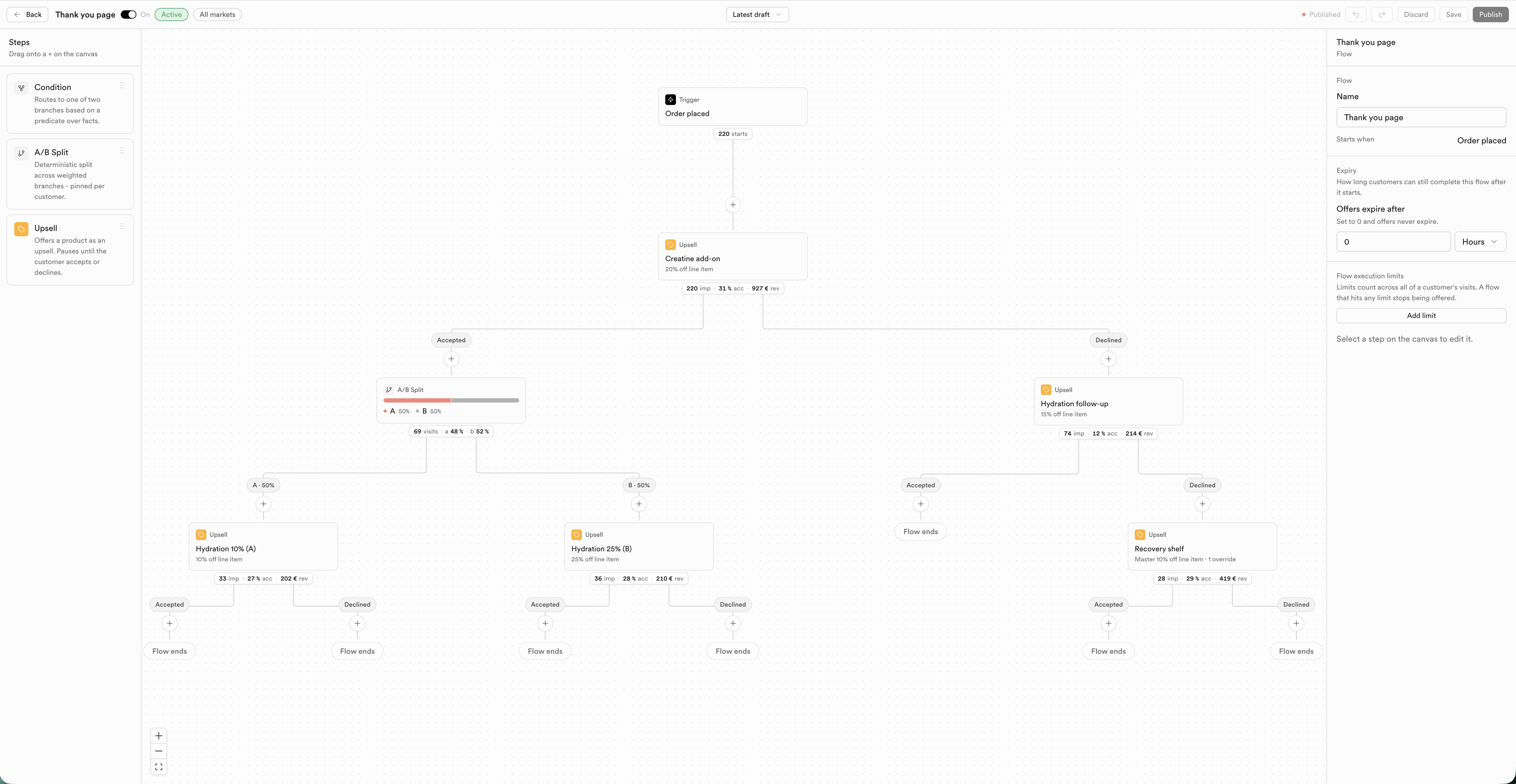
- Create a flow, name it, set expiry and optional execution limits.
- Optionally add an entry condition on the trigger so the flow only starts for matching customers.
- Add Condition, A/B Split, and Offer steps as needed.
- For upsells with a Design tab, configure Offer then Design.
- Save and Publish. Turn the flow On.
Smart Upsells
On the Thank You page you can also enable Smart Upsells (AI picks products and discounts). That path uses the same engine under the hood and the same Thank You fact catalog - there is no separate Smart Upsells condition list.
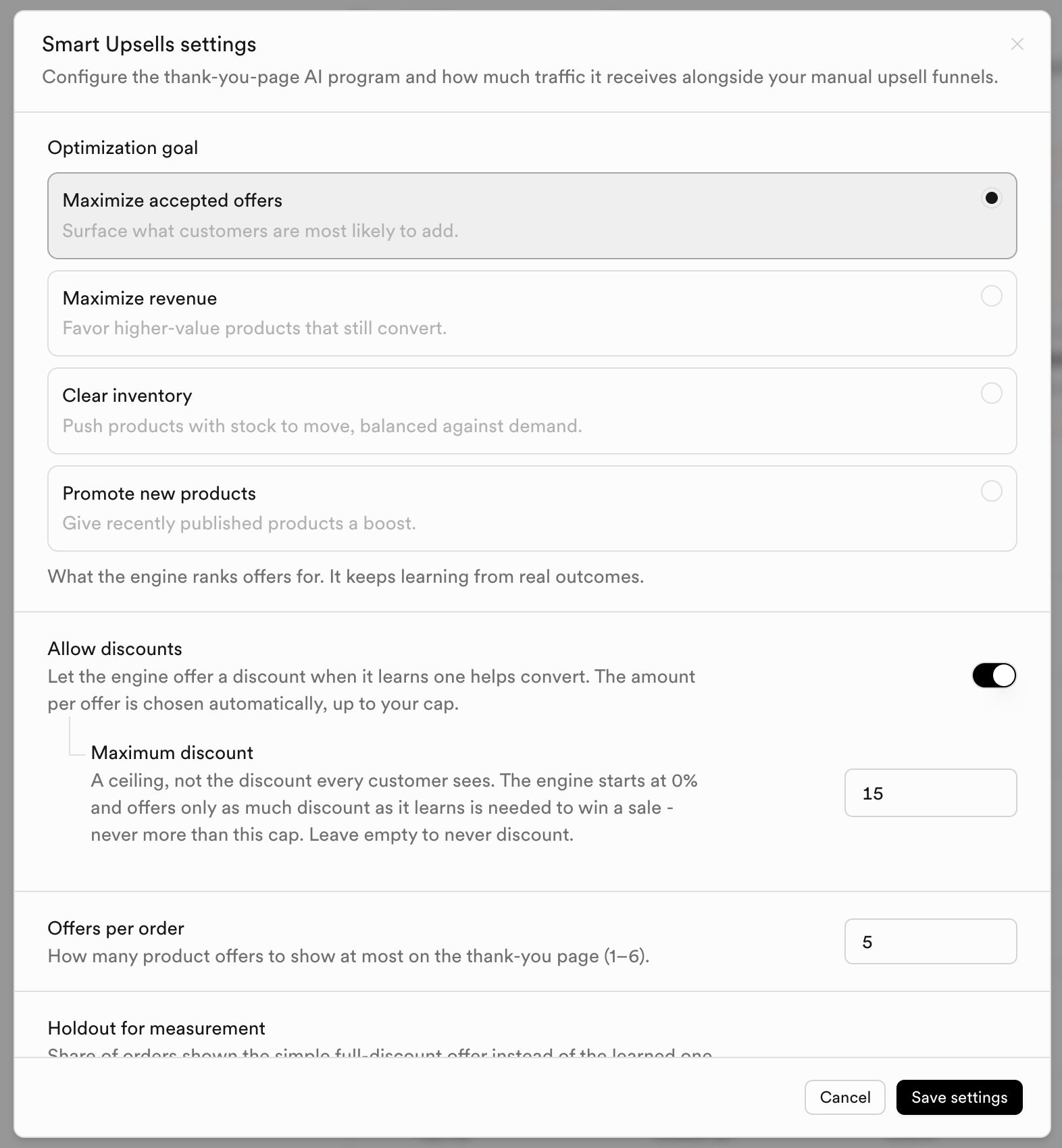
See Smart Upsells for Thank You-specific setup.