What customers see
How Thank You page upsells and Shopify post-purchase upsells differ on desktop and mobile.
This page focuses on upsell storefront UI. For the full edit-order shell (timer, modules, address validation), see What customers see.
Screenshots are from a German storefront; the extension uses the shop language. The two surfaces can both show a “special offer” - use the table below to tell them apart.
Thank You vs post-purchase at a glance
| Cue | Thank You page | Post-purchase page |
|---|---|---|
| Place in checkout | Customer is already on confirmation / Thank You | Customer is not on Thank You yet - interstitial after payment |
| Primary button | Add … / Add to order | Pay now • … |
| Decline | No, thanks / Skip this offer | Decline offer |
| Payment copy | Adds to the order | “You will be charged immediately” on the saved card |
| Page chrome | “Thanks, …”, confirmation number, original order in the summary, often edit countdown | “You have paid for your order”, offer-only subtotal, then continue to Thank You |
Payment → Post-purchase page (Pay now) → Thank You (Add / Smart Upsells + edit order)Thank You page
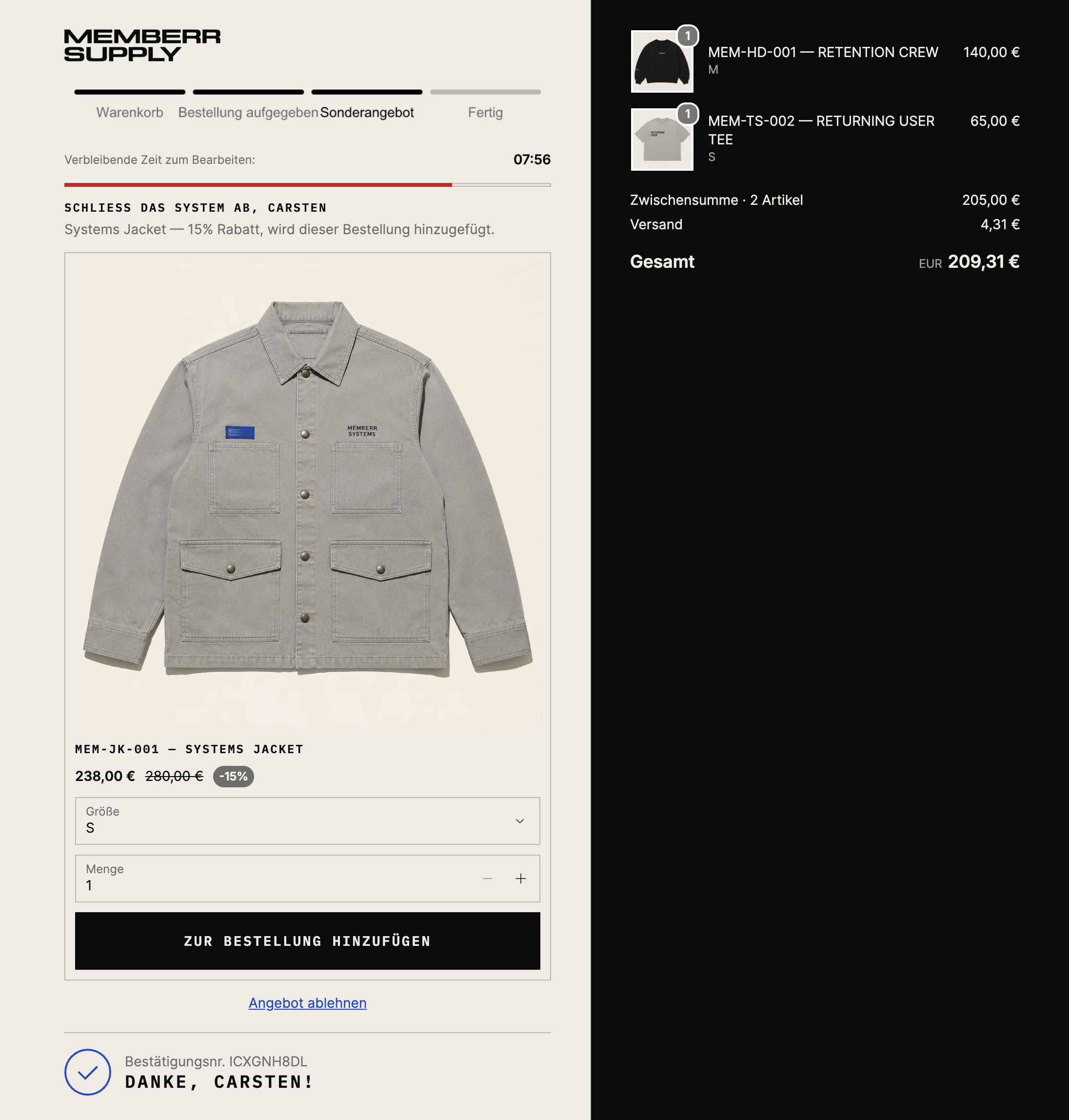
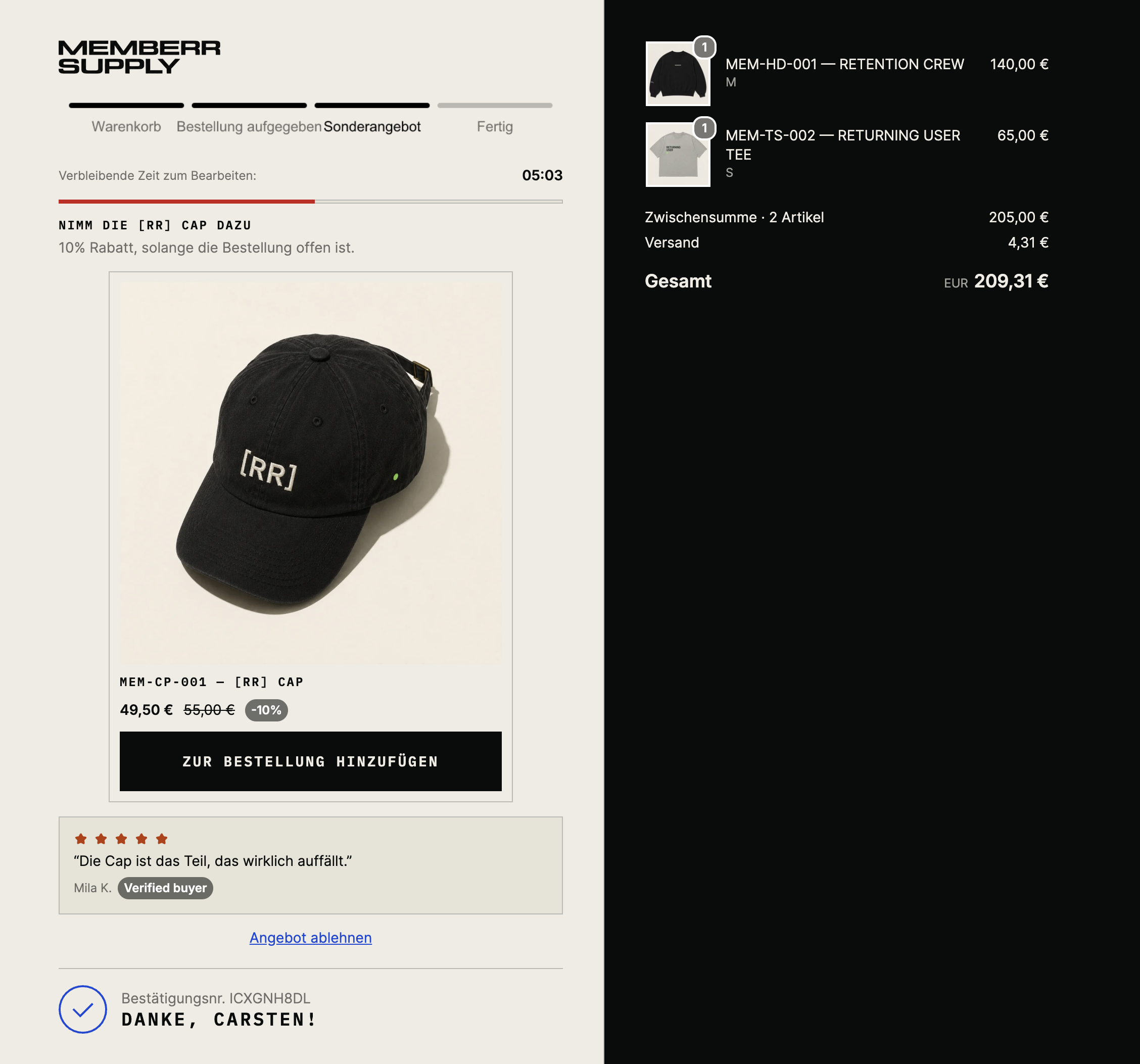
Offers sit on the confirmation page - after checkout is done, typically above the edit-order block. Smart Upsells and authored Thank You flows both use this surface.
Tell-tale signs: Add button, confirmation (“Danke, …”), original order in the sidebar, optional time remaining to edit.
Single offer
With social proof (stars / verified buyer):
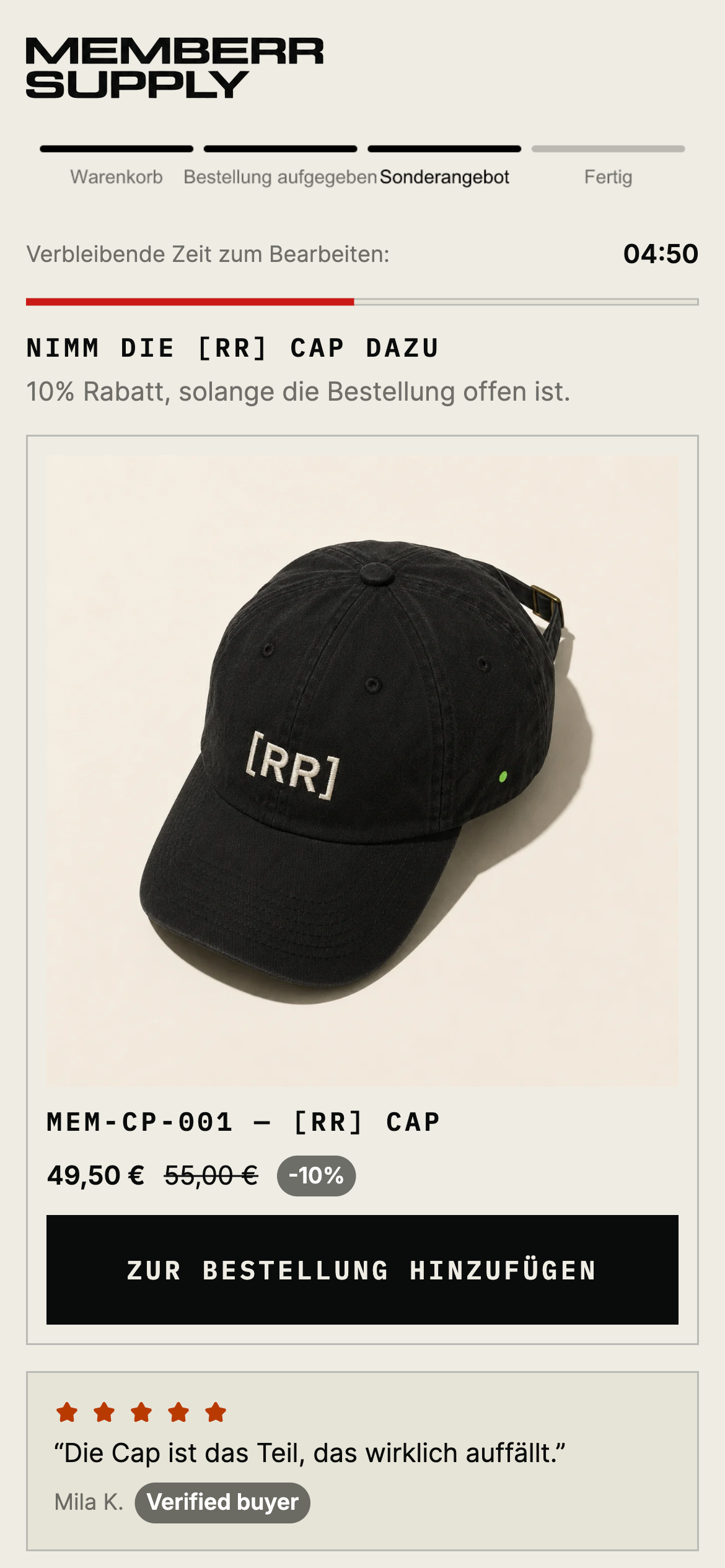
Mobile
Multiple offers
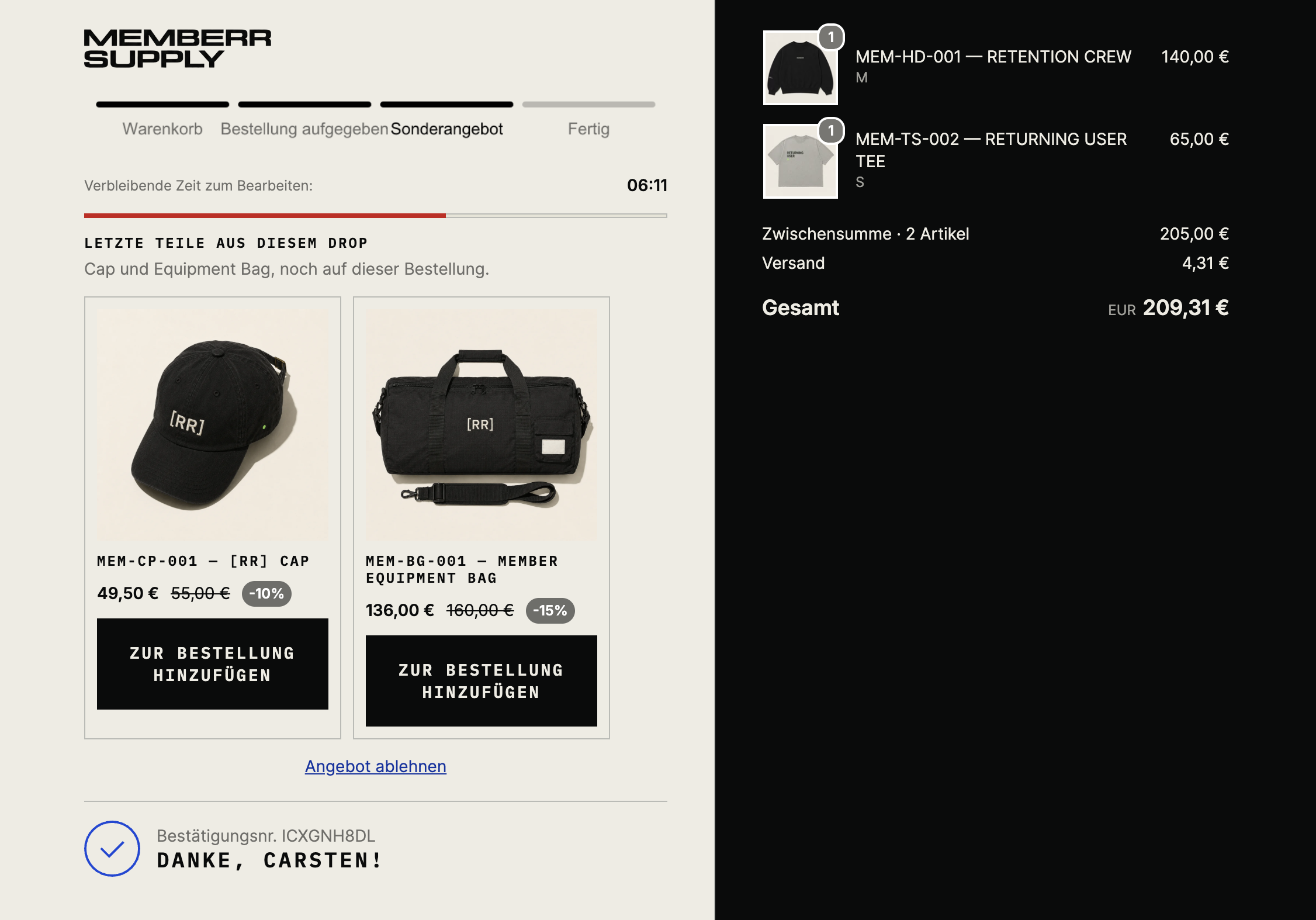
Configure under Thank You page and Smart Upsells.
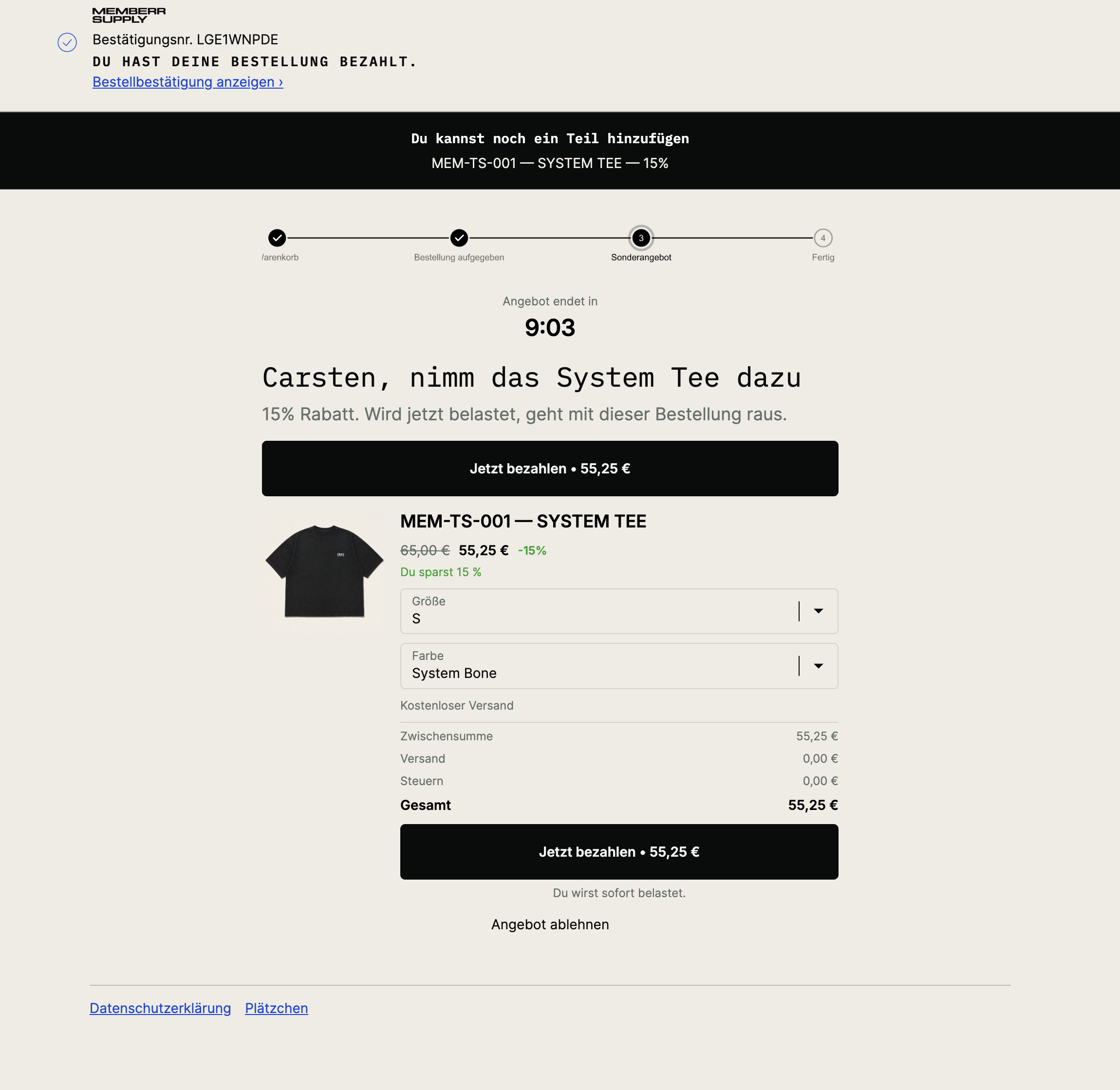
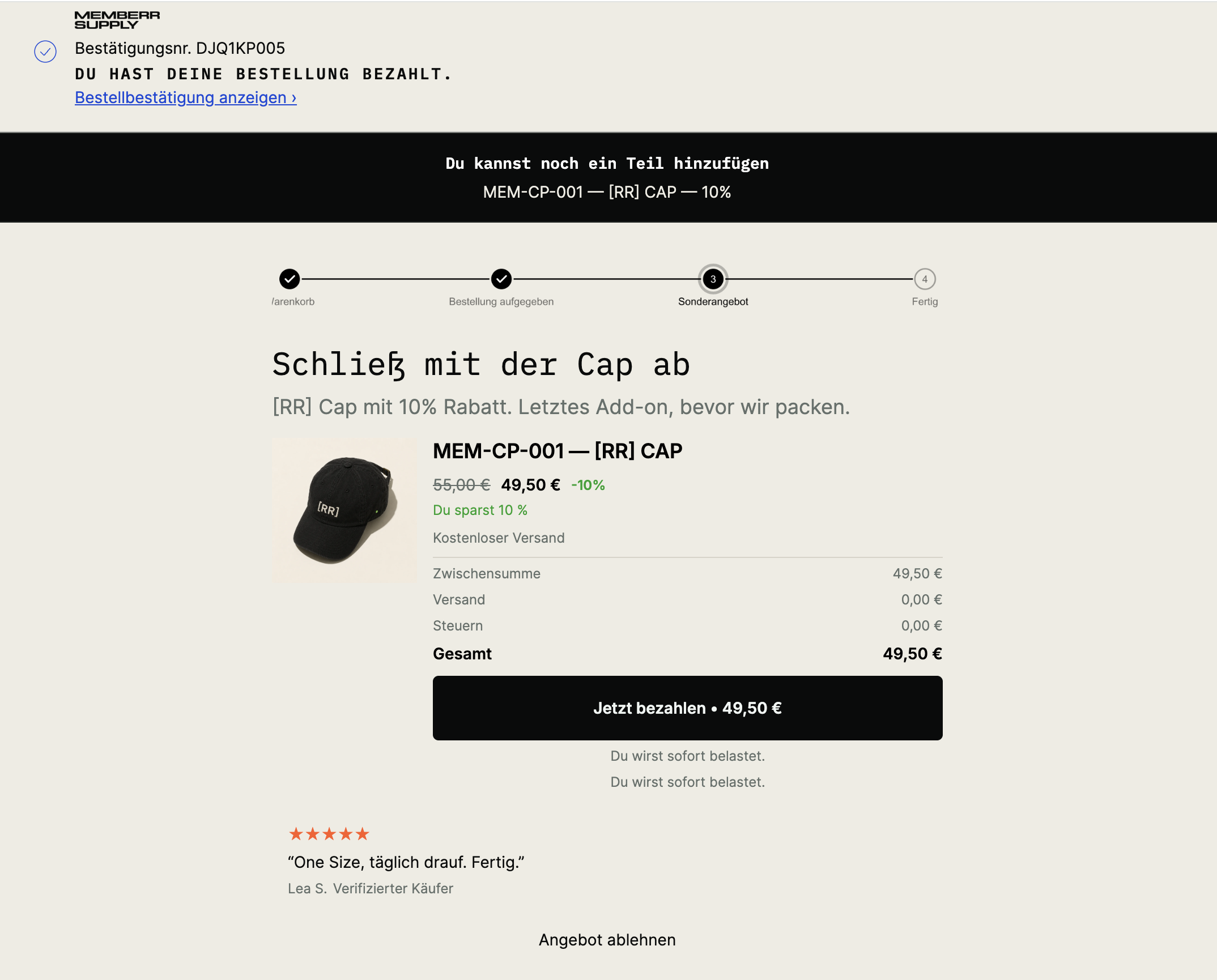
Post-purchase page
Shopify’s native interstitial between payment and Thank You. Accepting runs a new charge on the payment method just used. Different admin list and flow trigger than Thank You.
Tell-tale signs: “You have paid for your order”, Pay now, “You will be charged immediately”, Decline offer.
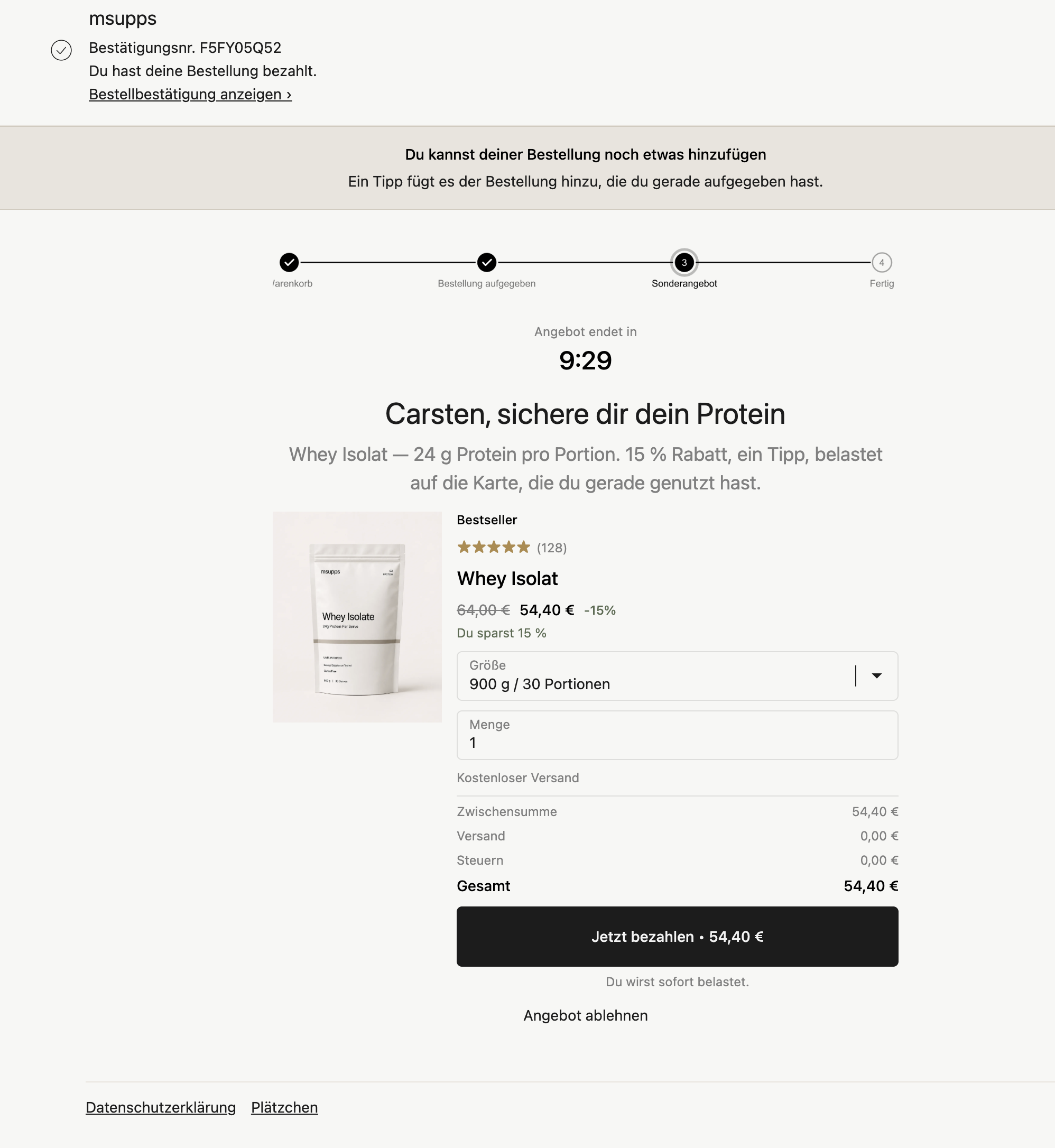
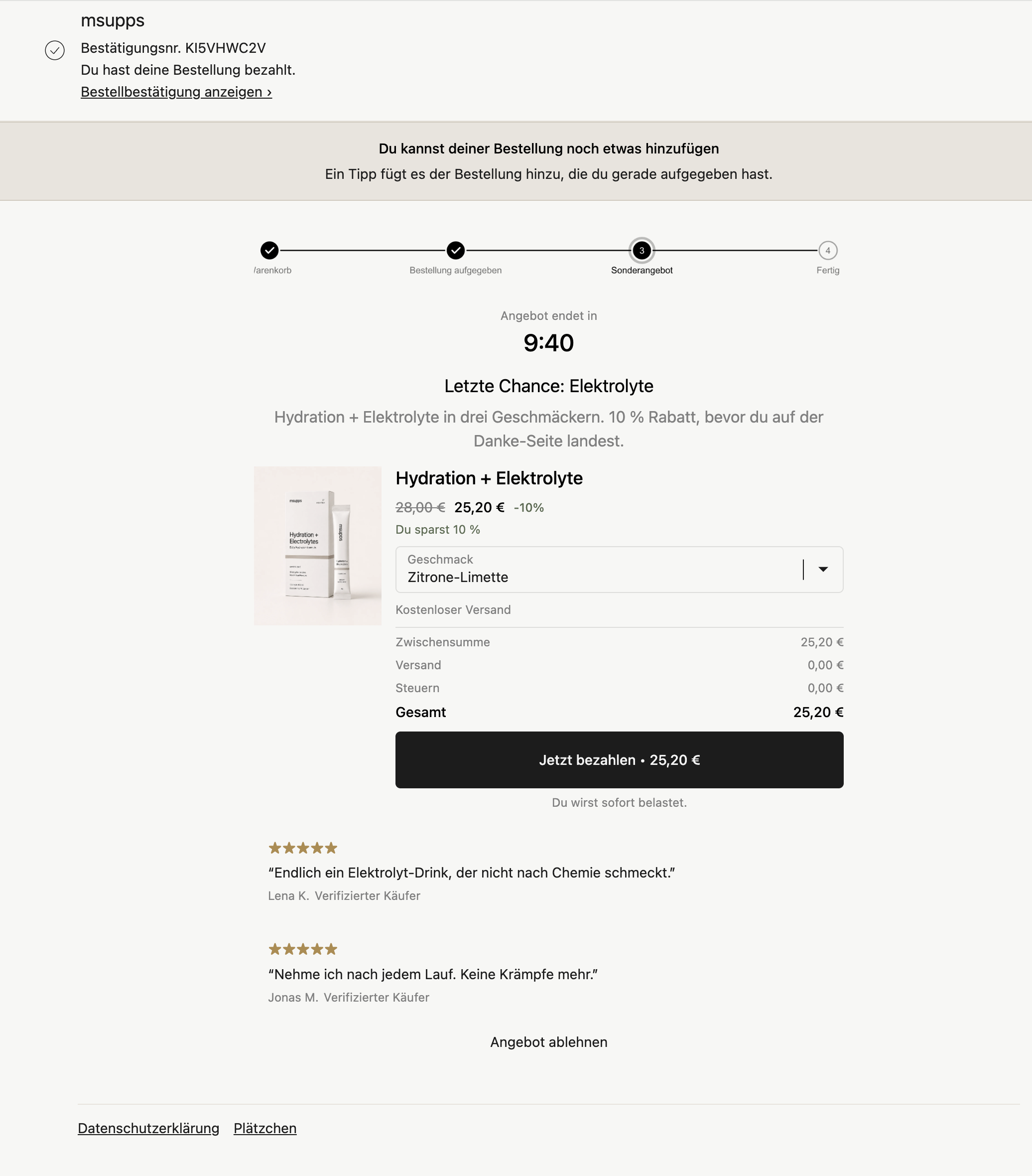
Apparel variants (Pay now, offer-only subtotal):
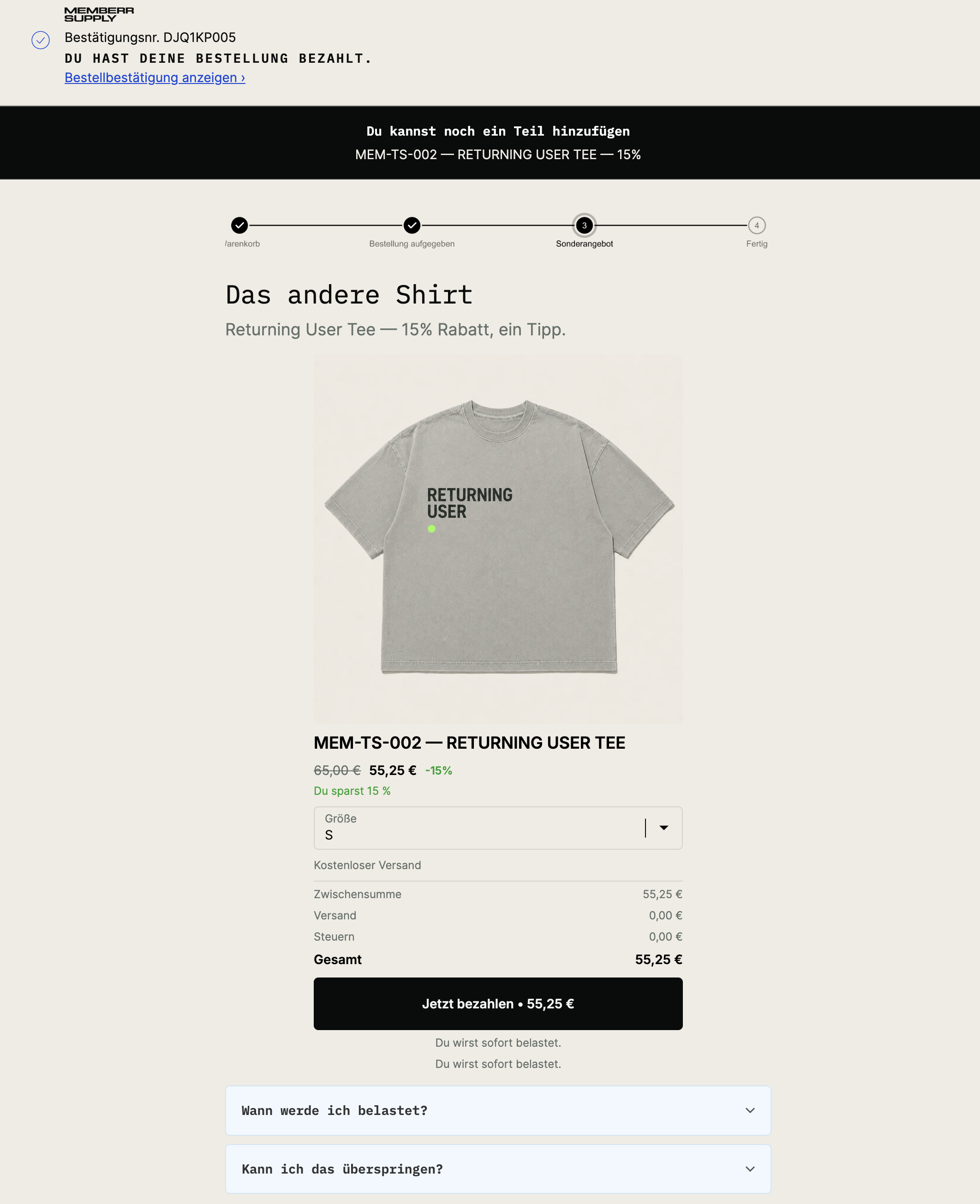
Mobile
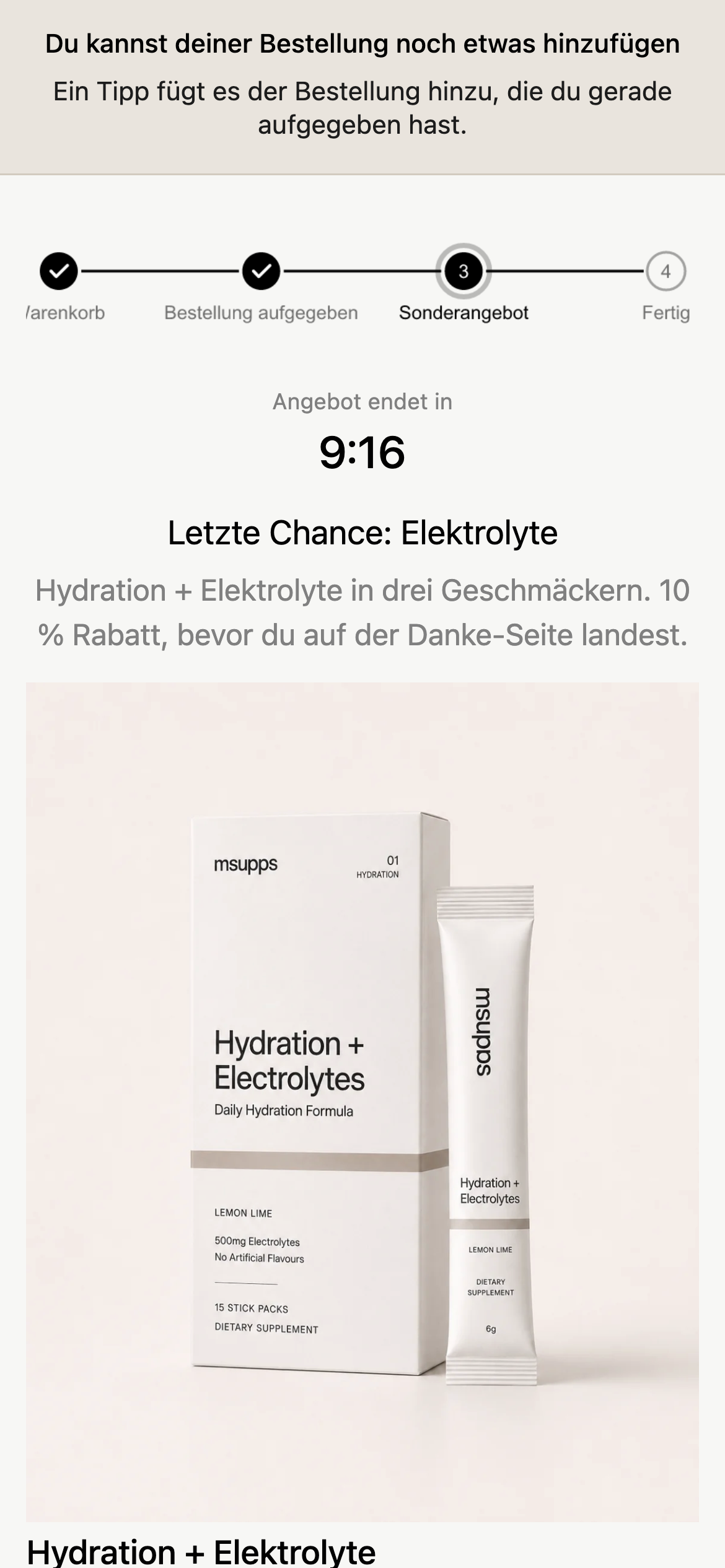
Configure under Post-purchase page. Shopify only shows one post-purchase app per store - select memberr in Checkout settings.
A flow under Upsells → Thank You page never appears on the post-purchase interstitial, and a flow under Upsells → Post-purchase page never appears on the Thank You page.
Some Thank You screenshots may also show loyalty or referral cards from memberr Loyalty. Those blocks are not part of Order Editing upsells.