General
Turn order editing on, set the editing window, tags, sign-in, and fulfillment hold.
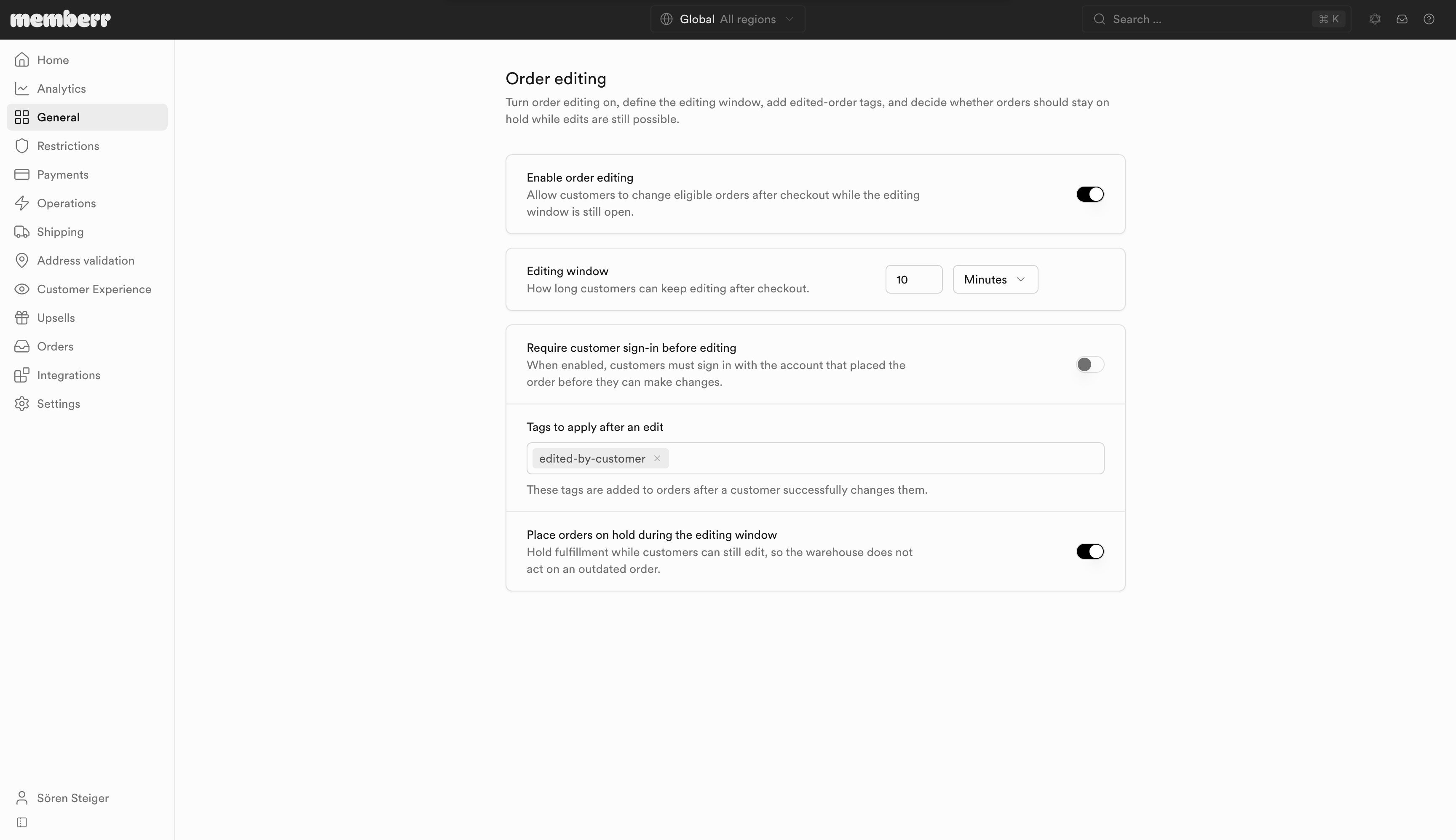
General controls whether customers can edit, how long the window stays open, and whether fulfillment waits until that window closes.
Settings
| Setting | What it does |
|---|---|
| Enable order editing | Allow customers to change eligible orders after checkout while the editing window is still open. |
| Editing window | How long customers can keep editing after checkout. Units: Minutes, Hours, or Days (maximum 7 days / 10,080 minutes). |
| Require customer sign-in before editing | When enabled, customers must sign in with the account that placed the order before they can make changes. |
| Tags to apply after an edit | These tags are added to orders after a customer successfully changes them (for example edited-by-customer). |
| Place orders on hold during the editing window | Hold fulfillment while customers can still edit, so the warehouse does not act on an outdated order. |
Turn on the fulfillment hold whenever the editing window is long enough that your warehouse might pick or pack before customers finish editing. Without the hold, staff can ship a version of the order that the customer is still changing.
Markets
Use Customize for this market if a market needs a different window, tags, or hold behaviour. When the toggle is off, this section inherits the global configuration.
Related
- Customer experience - which modules appear during the window
- What customers see - countdown timer on the Thank You page
- Restrictions - which orders and items stay locked