Customer Experience
Discount codes
Let customers apply a discount code after checkout instead of starting the order over.
Discount codes after checkout let customers redeem a code during the editing window - useful when someone forgot a code at checkout.
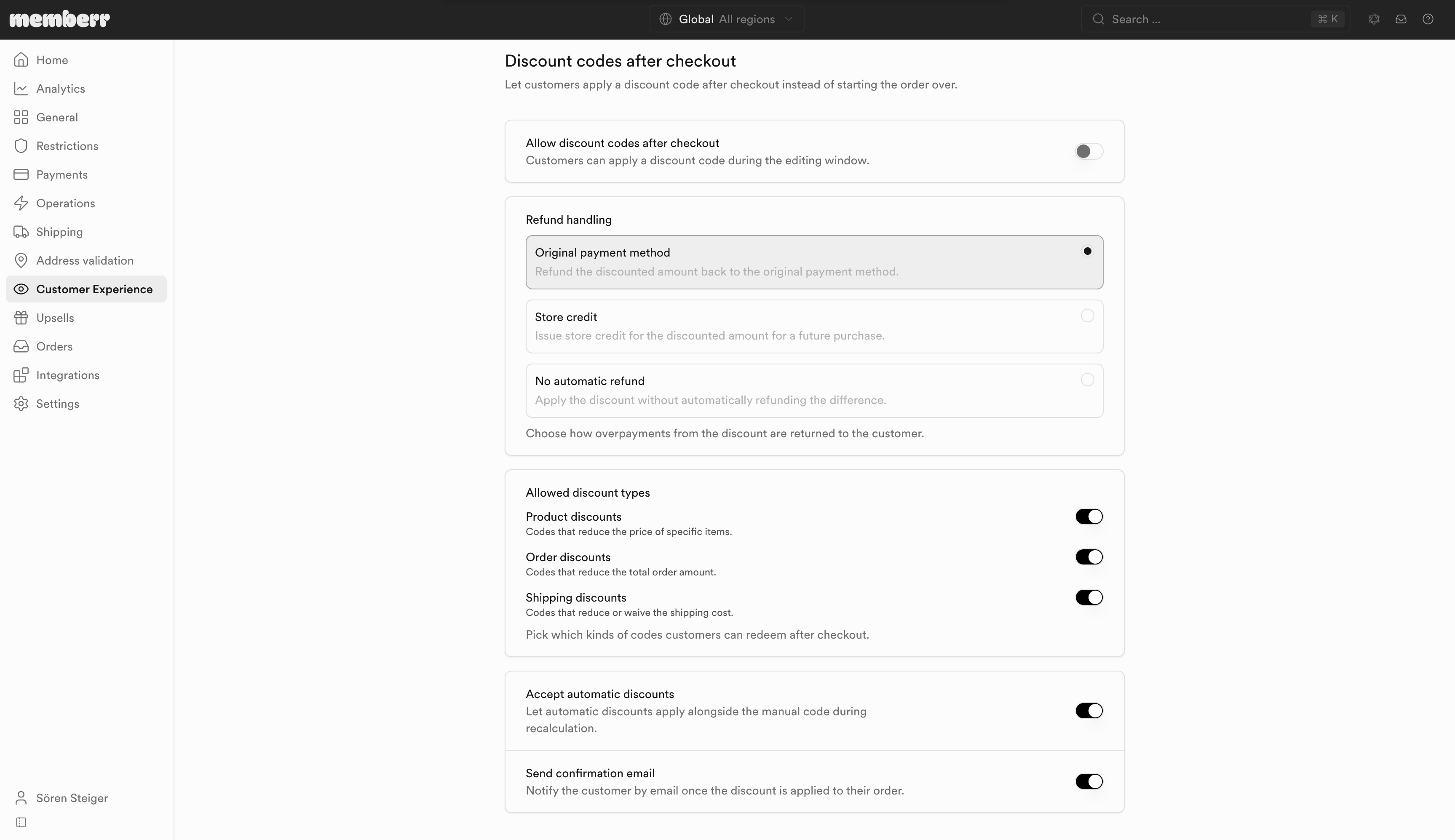
Settings
| Setting | What it does |
|---|---|
| Allow discount codes after checkout | Customers can apply a discount code during the editing window. |
| Refund handling | Choose how overpayments from the discount are returned to the customer. |
| Allowed discount types | Pick which kinds of codes customers can redeem after checkout. |
| Accept automatic discounts | Let automatic discounts apply alongside the manual code during recalculation. |
| Send confirmation email | Notify the customer by email once the discount is applied to their order. |
Refund handling
| Option | What it does |
|---|---|
| Original payment method | Refund the discounted amount back to the original payment method. |
| Store credit | Issue store credit for the discounted amount for a future purchase. |
| No automatic refund | Apply the discount without automatically refunding the difference. |
Allowed discount types
| Type | What it covers |
|---|---|
| Product discounts | Codes that reduce the price of specific items. |
| Order discounts | Codes that reduce the total order amount. |
| Shipping discounts | Codes that reduce or waive the shipping cost. |
What customers see
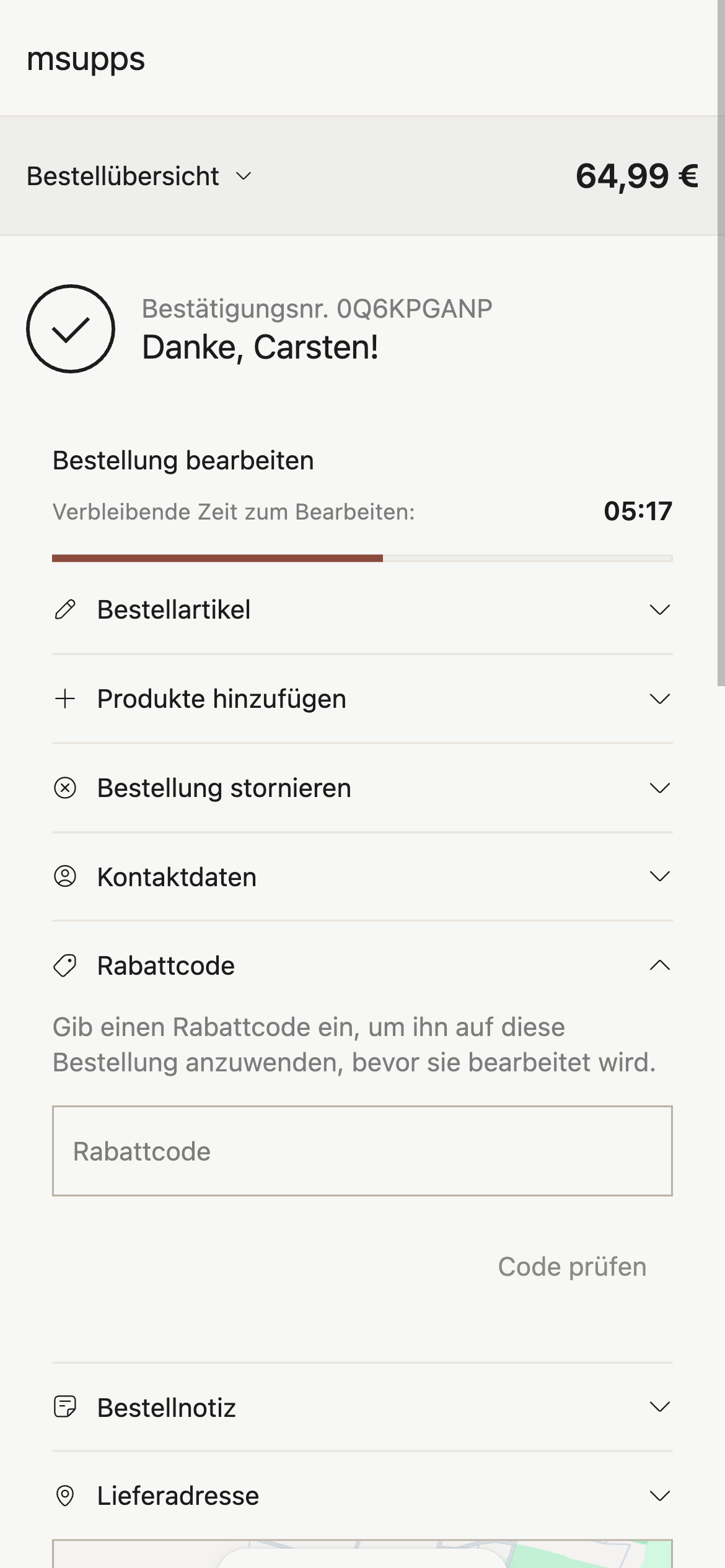
Customers enter a code and tap Check code:
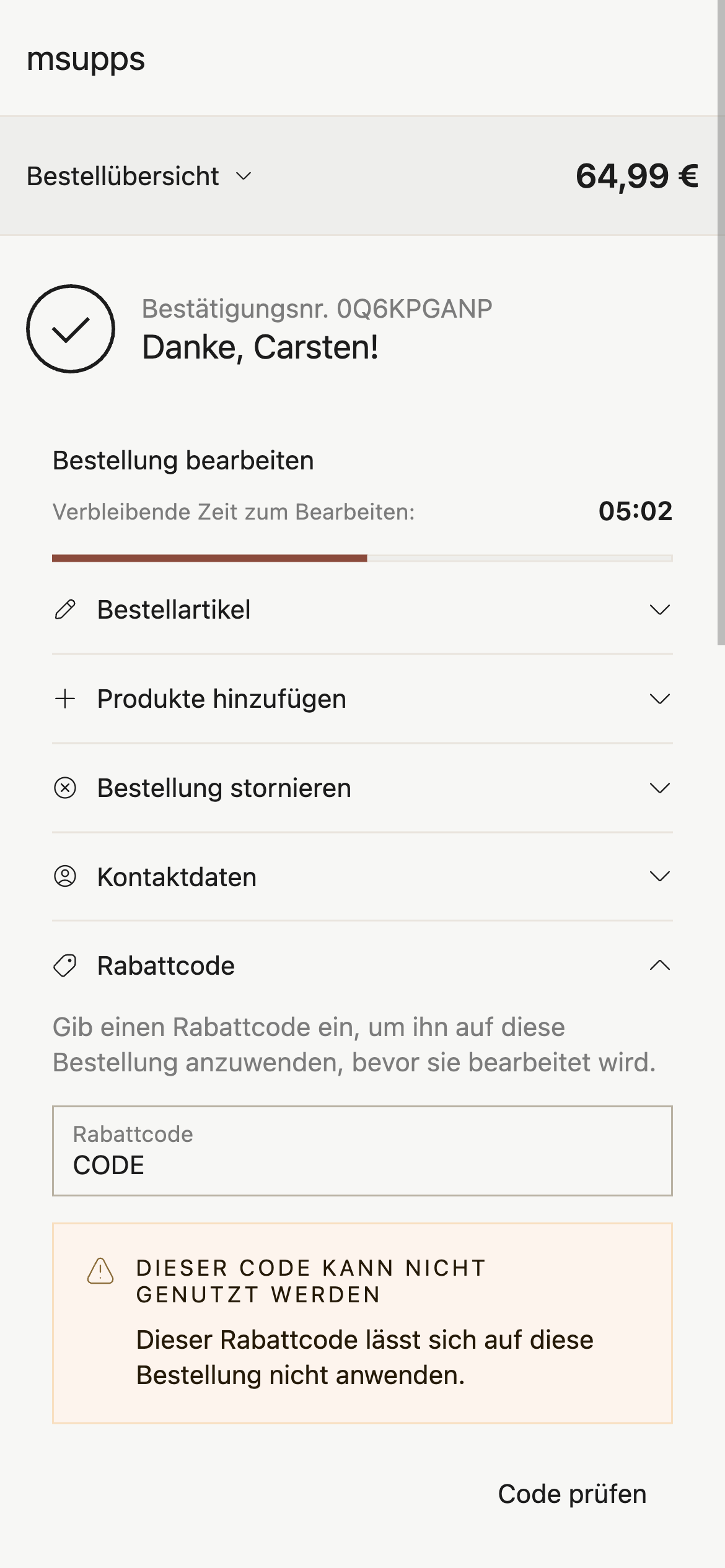
Invalid codes show an error:
Valid codes show savings before redeem:
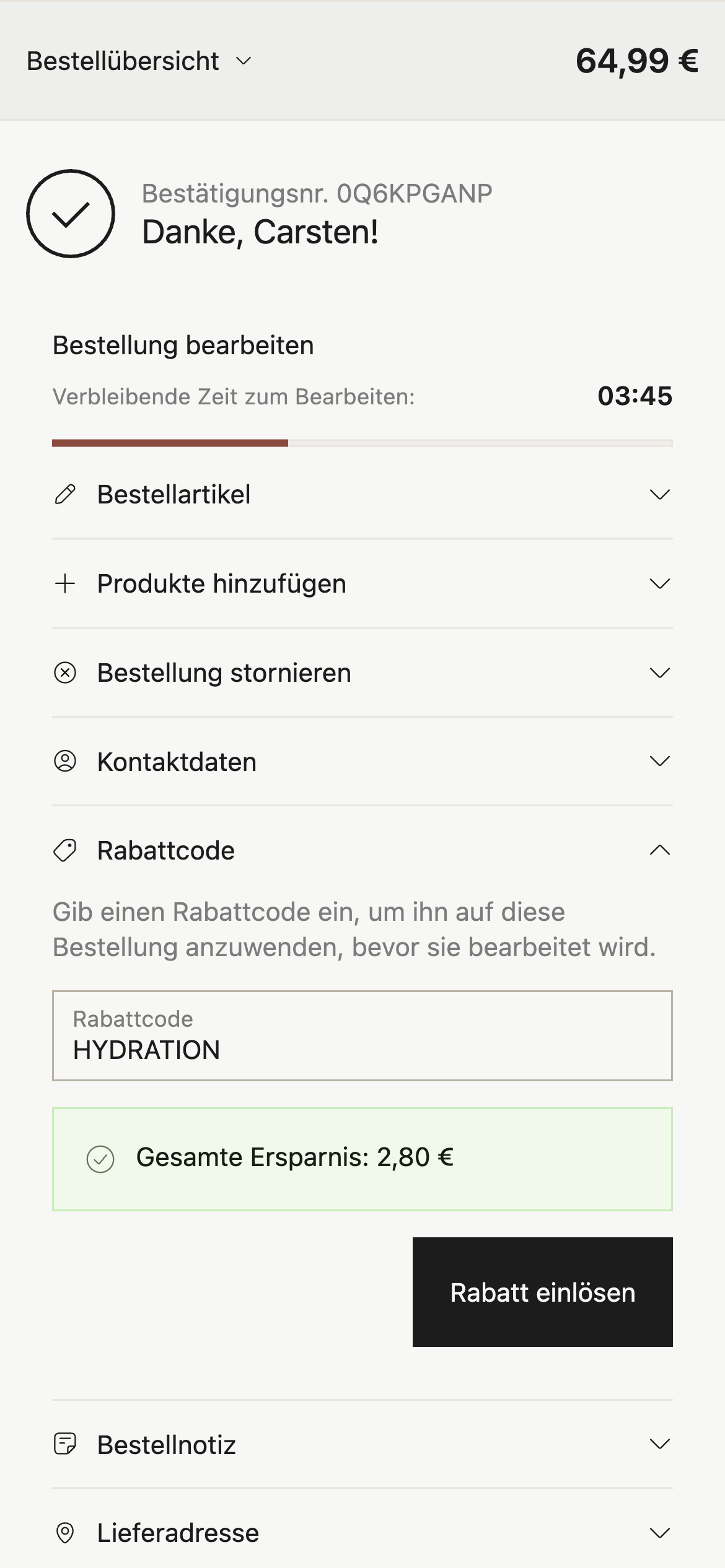
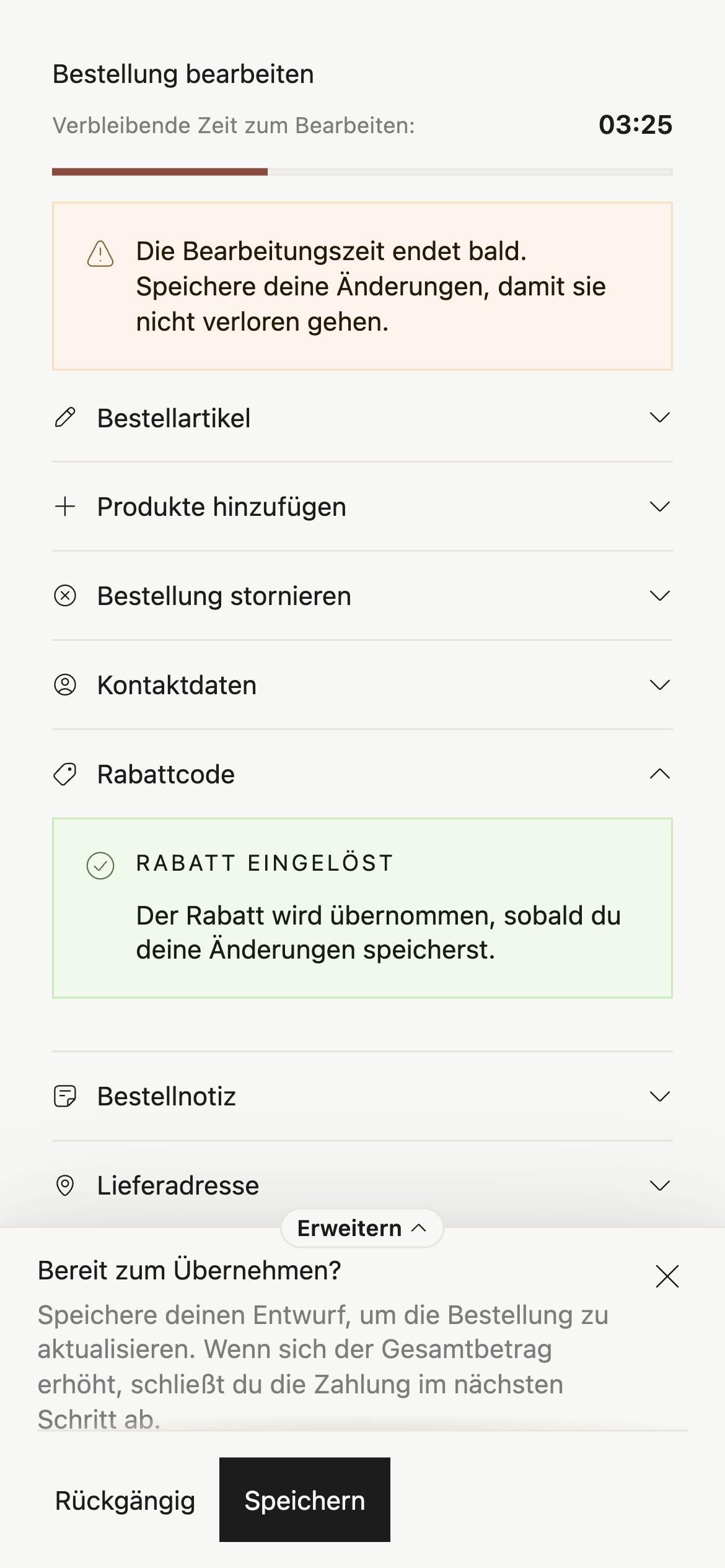
After redeem, the draft is ready to save: