Restrictions
Block order editing for orders, products, and line items that should never change.
Editing eligibility blocks self-service for orders, products, and line items that must stay fixed - for example gift items, wholesale channels, or specific SKUs.
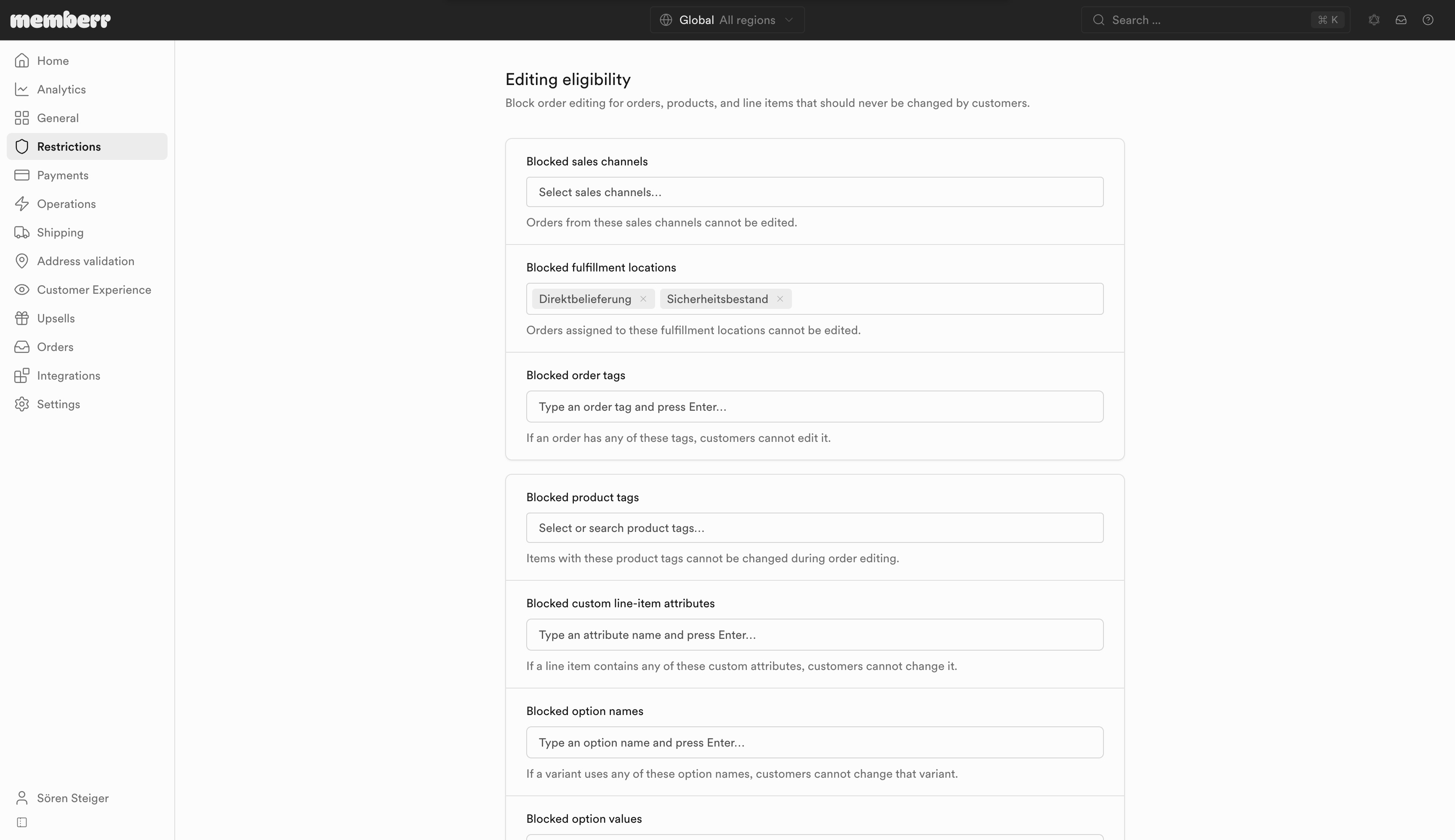
Order-level restrictions
If any of these match, the customer cannot edit the order at all:
| Setting | What it does |
|---|---|
| Blocked sales channels | Orders from these sales channels cannot be edited. |
| Blocked fulfillment locations | Orders assigned to these fulfillment locations cannot be edited. |
| Blocked order tags | If an order has any of these tags, customers cannot edit it. |
Item-level restrictions
These lock individual line items (or the whole order when free items are blocked) while other items may still be editable:
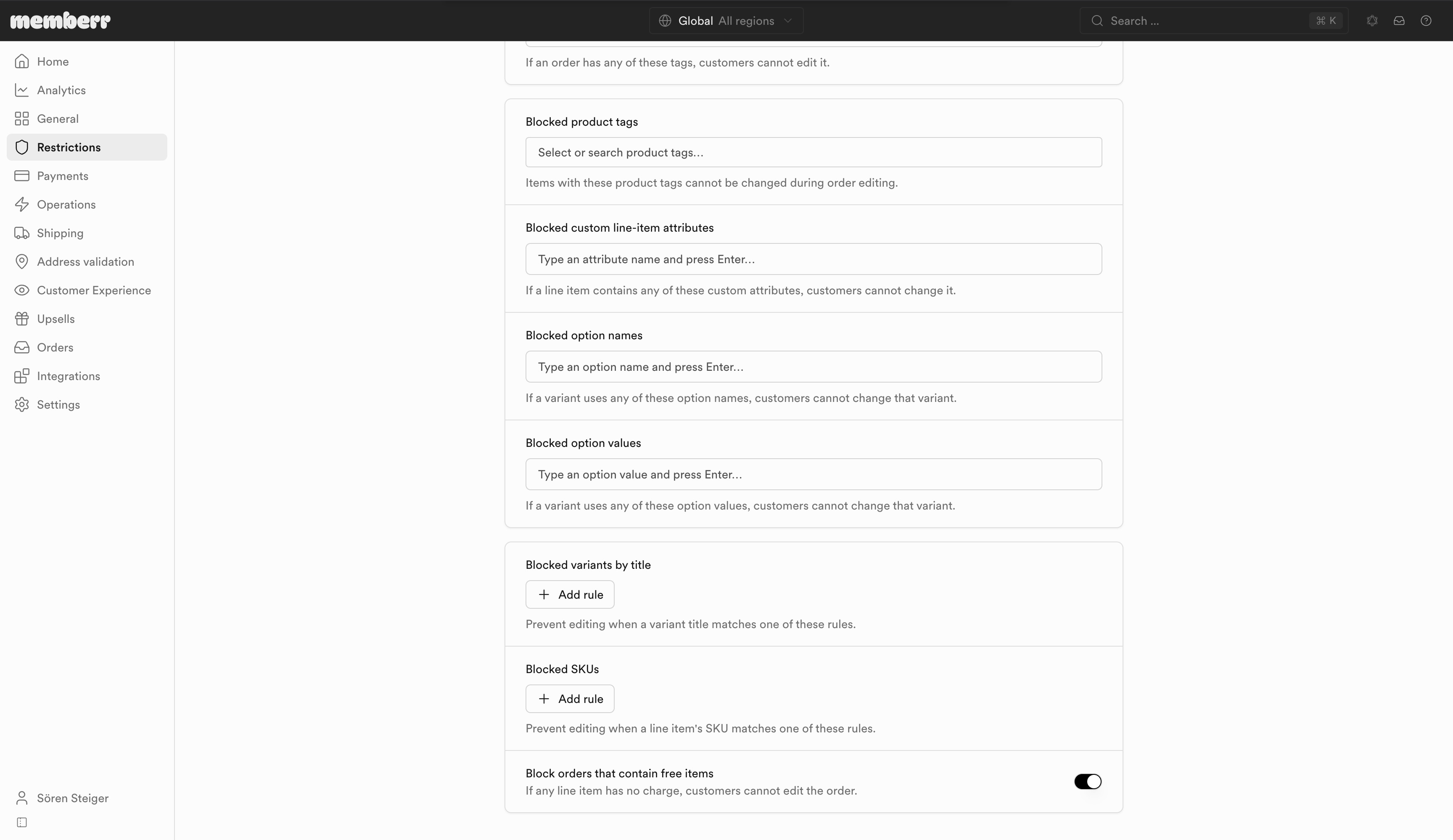
| Setting | What it does |
|---|---|
| Blocked product tags | Items with these product tags cannot be changed during order editing. |
| Blocked custom line-item attributes | If a line item contains any of these custom attributes, customers cannot change it. |
| Blocked option names | If a variant uses any of these option names, customers cannot change that variant. |
| Blocked option values | If a variant uses any of these option values, customers cannot change that variant. |
| Blocked variants by title | Prevent editing when a variant title matches a rule: Title starts with, Title includes, or Title matches exactly. |
| Blocked SKUs | Prevent editing when a line item's SKU matches a rule: SKU matches exactly, SKU starts with, or SKU includes. |
| Block orders that contain free items | If any line item has no charge, customers cannot edit the order. |
Load failures like “Editing is not allowed for orders containing free items” show up under Analytics → Errors when this toggle (or another rule) blocks the session.