Customer Experience
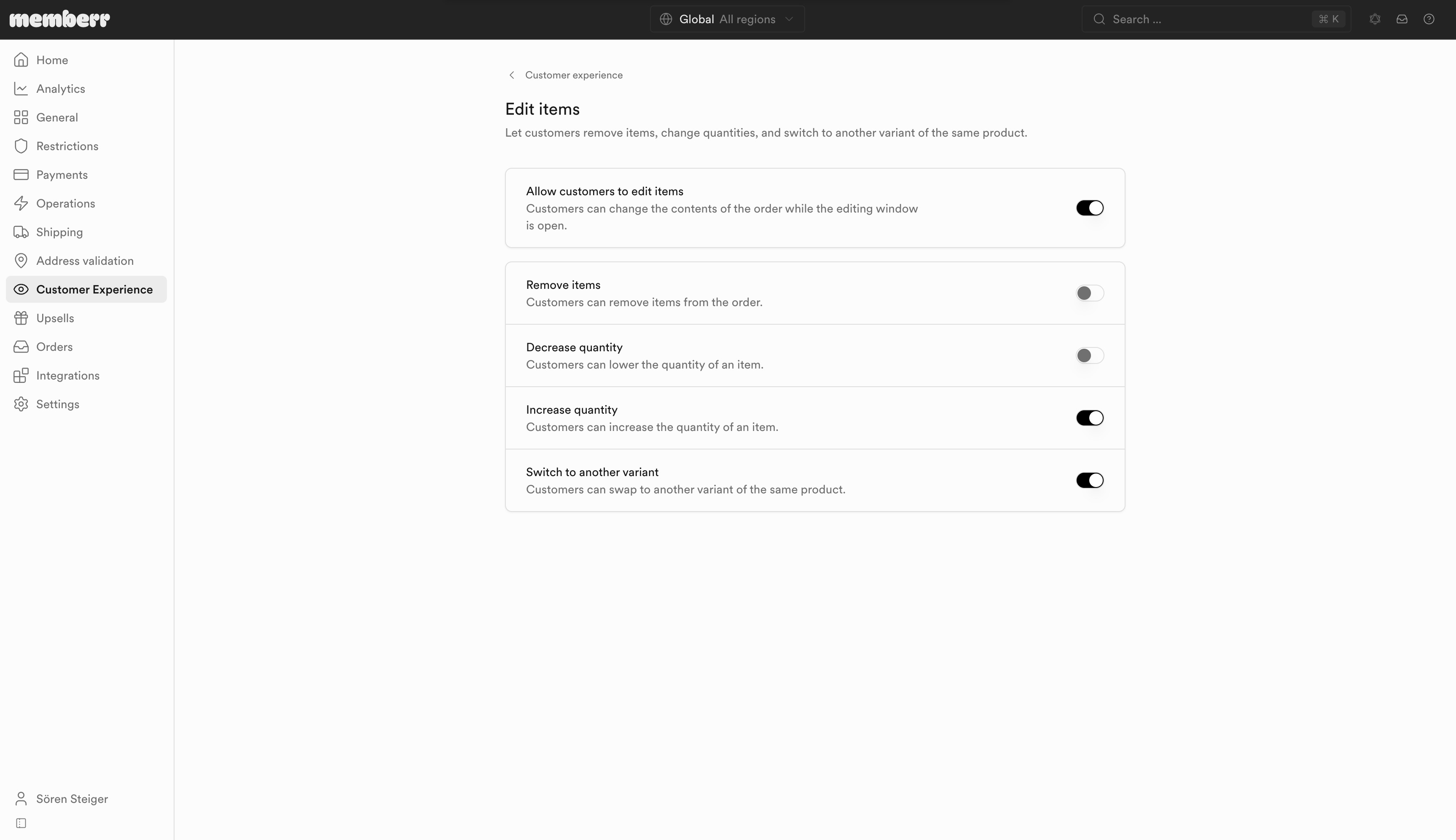
Edit items
Let customers remove items, change quantities, and switch to another variant of the same product.
Edit items lets customers change the contents of the order while the editing window is open.
Settings
| Setting | What it does |
|---|---|
| Allow customers to edit items | Customers can change the contents of the order while the editing window is open. |
| Remove items | Customers can remove items from the order. |
| Decrease quantity | Customers can lower the quantity of an item. |
| Increase quantity | Customers can increase the quantity of an item. |
| Switch to another variant | Customers can swap to another variant of the same product. |
Remove items and Decrease quantity lower the order total. Enable Operations → Allow customers to reduce the order total and choose a refund destination so those actions can complete with a refund.
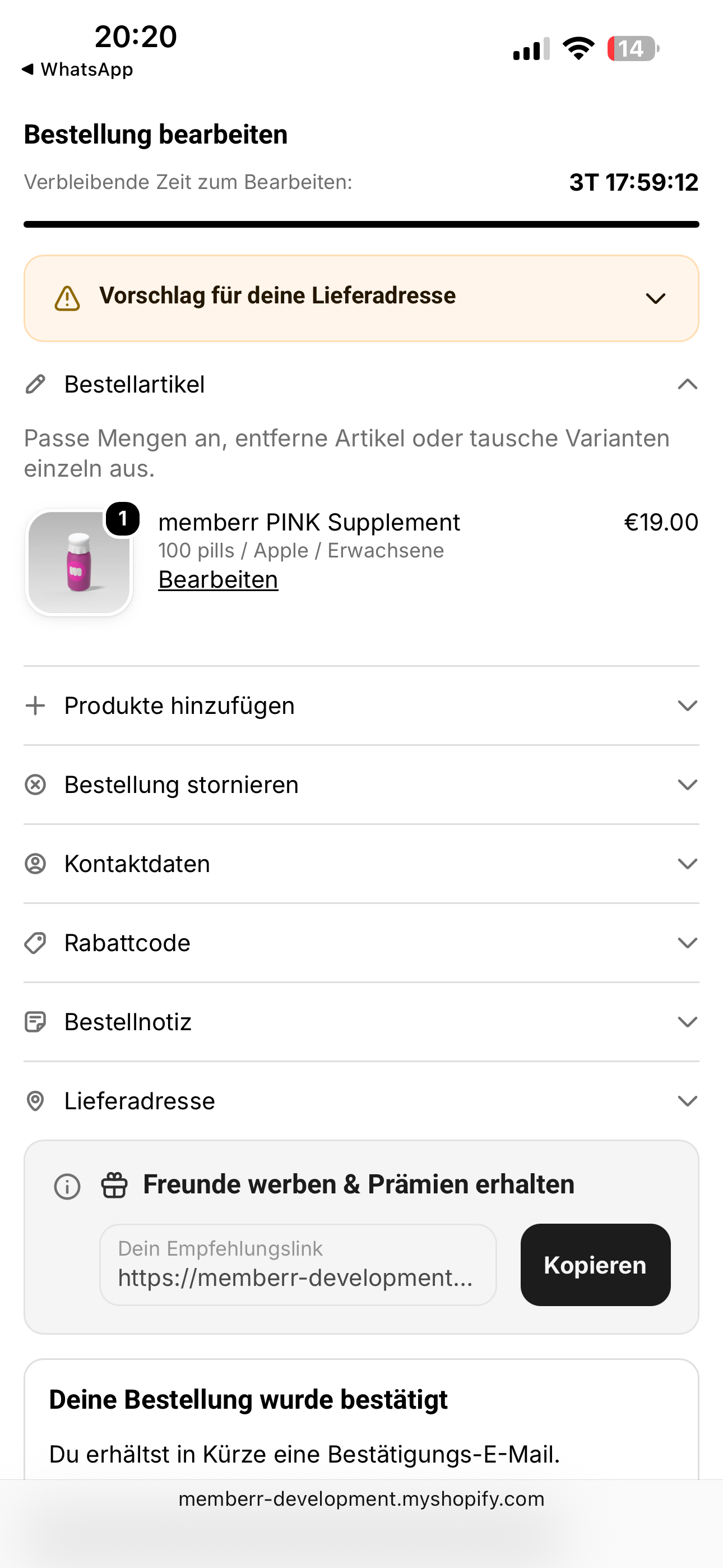
What customers see
Customers expand Order items, adjust quantities or variants, and use Edit on a line: