Home
Lifetime and period KPIs for tickets prevented, revenue added, and edit conversion.
Home is the value dashboard for memberr Order Editing. It summarizes how much support you avoided and how much revenue edits and upsells added - since install and for a selected date range.
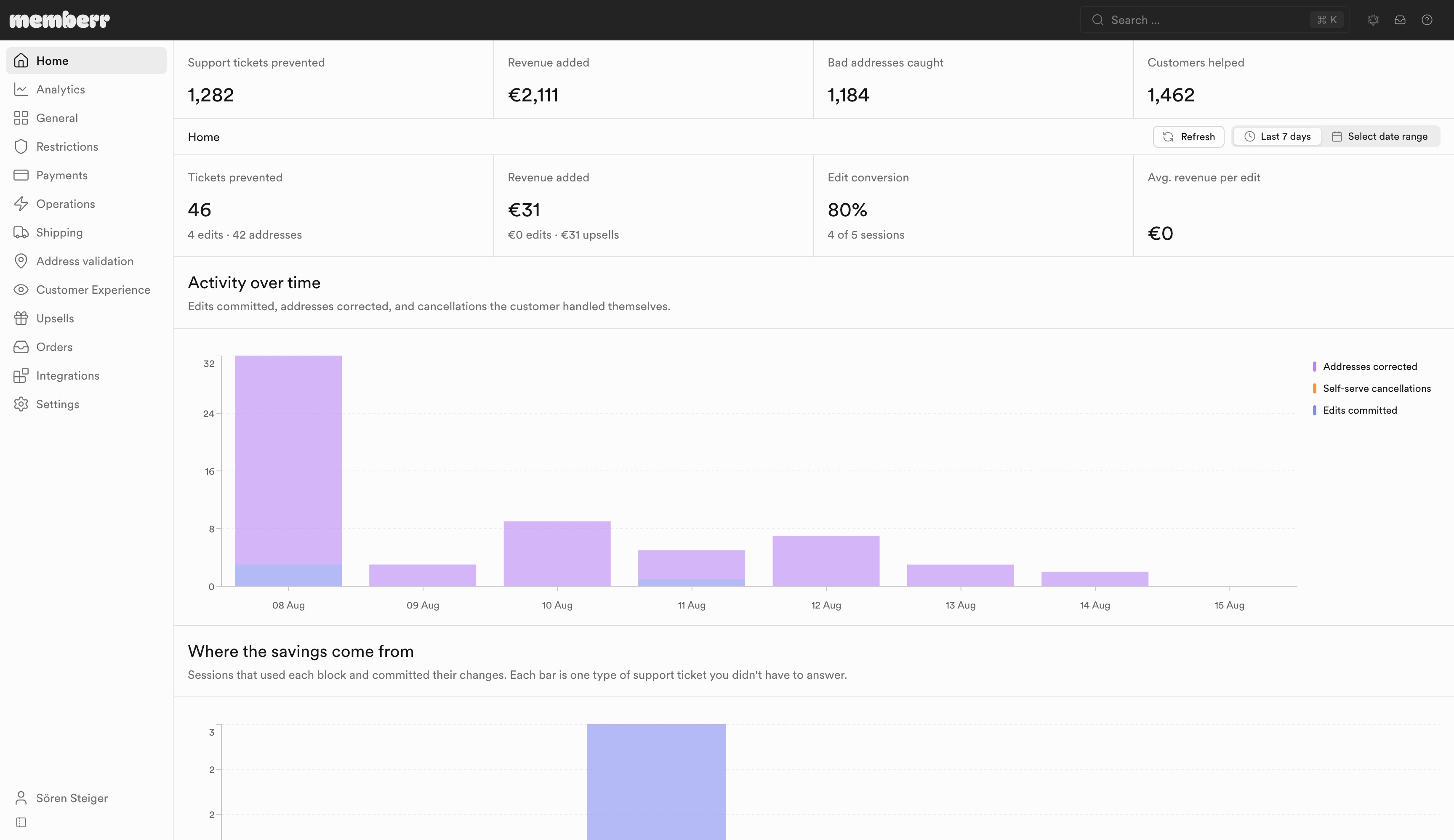
Lifetime stats
These cards are not date-filtered - they accumulate from install:
| Metric | What it means |
|---|---|
| Support tickets prevented | Every successful self-service edit, accepted address suggestion, and customer-initiated cancellation since install. Each one is a customer who did not have to email support. |
| Revenue added | Value of products customers added while editing plus revenue from redeemed post-purchase upsell offers, since install. |
| Bad addresses caught | Customers who accepted a corrected shipping address before the order shipped. |
| Customers helped | Distinct orders where the customer actively used the extension (clicked, typed, or changed something). Passive page views do not count. |
Period KPIs
Use the date picker to focus on a window:
| Metric | What it means |
|---|---|
| Tickets prevented | Committed edits (saves and self-served cancellations) plus accepted address corrections. Breakdown: edits · addresses. |
| Revenue added | Products added while editing plus redeemed upsell offers. Breakdown: edits · upsells. |
| Edit conversion | Of sessions that used an editing block, the share that finished with a committed change. |
| Avg. revenue per edit | Edit revenue (excluding upsell offers) divided by sessions that committed an edit. |
Charts
- Activity over time - edits committed, addresses corrected, and self-serve cancellations
- Where the savings come from - sessions that used each block and committed changes (edit line items, add products, edit address, contact info, order note, discount codes, cancel order)
For deeper funnels and failure modes, open Analytics.