Payments
Control automatic payment capture when the editing window closes and protect expiring authorizations.
Payment capture decides when authorized payments are captured after editing, who gets notified on failure, and how to protect orders from expiring authorizations.
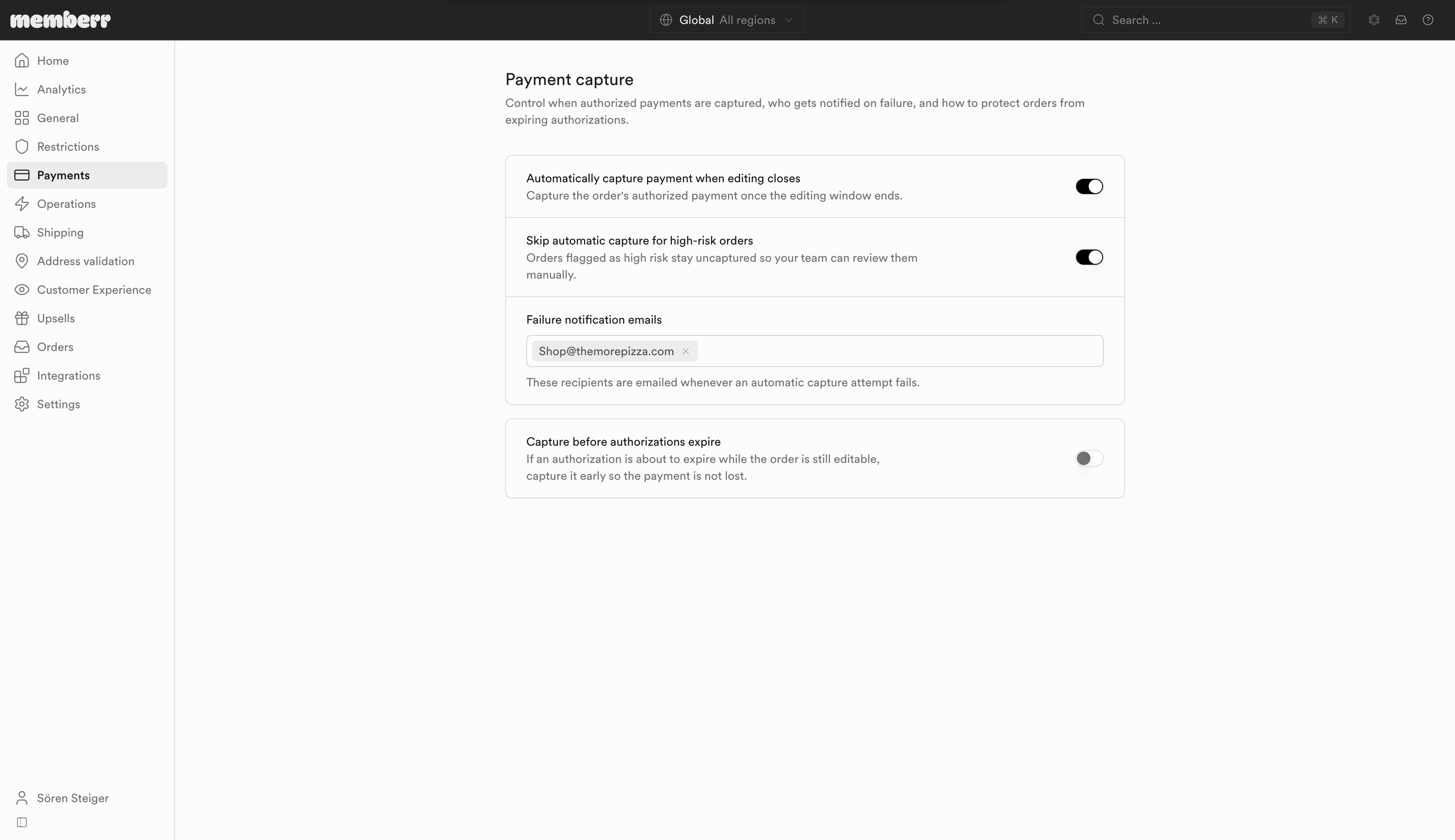
Settings
| Setting | What it does |
|---|---|
| Automatically capture payment when editing closes | Capture the order's authorized payment once the editing window ends. |
| Skip automatic capture for high-risk orders | Orders flagged as high risk stay uncaptured so your team can review them manually. |
| Failure notification emails | These recipients are emailed whenever an automatic capture attempt fails. |
| Capture before authorizations expire | If an authorization is about to expire while the order is still editable, capture it early so the payment is not lost. |
| Capture this long before expiry | Lead time before Shopify's expected authorization expiry (Hours or Days, 1-30). Shown when expiry protection is on. |
When automatic capture is enabled, add at least one failure notification email. Without recipients, failed captures can go unnoticed until fulfillment or settlement.
Why this matters
While the editing window is open, payment often stays authorized rather than captured so the total can still change. Automatic capture at window close settles the final amount. Expiry protection avoids losing the authorization if the window is long and the card network's hold is shorter.