Address validation
Verify shipping addresses before fulfillment with Deutsche Post (DACH) or Google.
Address validation checks the shipping address before fulfillment so packages reach the right doorstep. Customers see a suggestion banner and can adopt the correction or keep their original address.
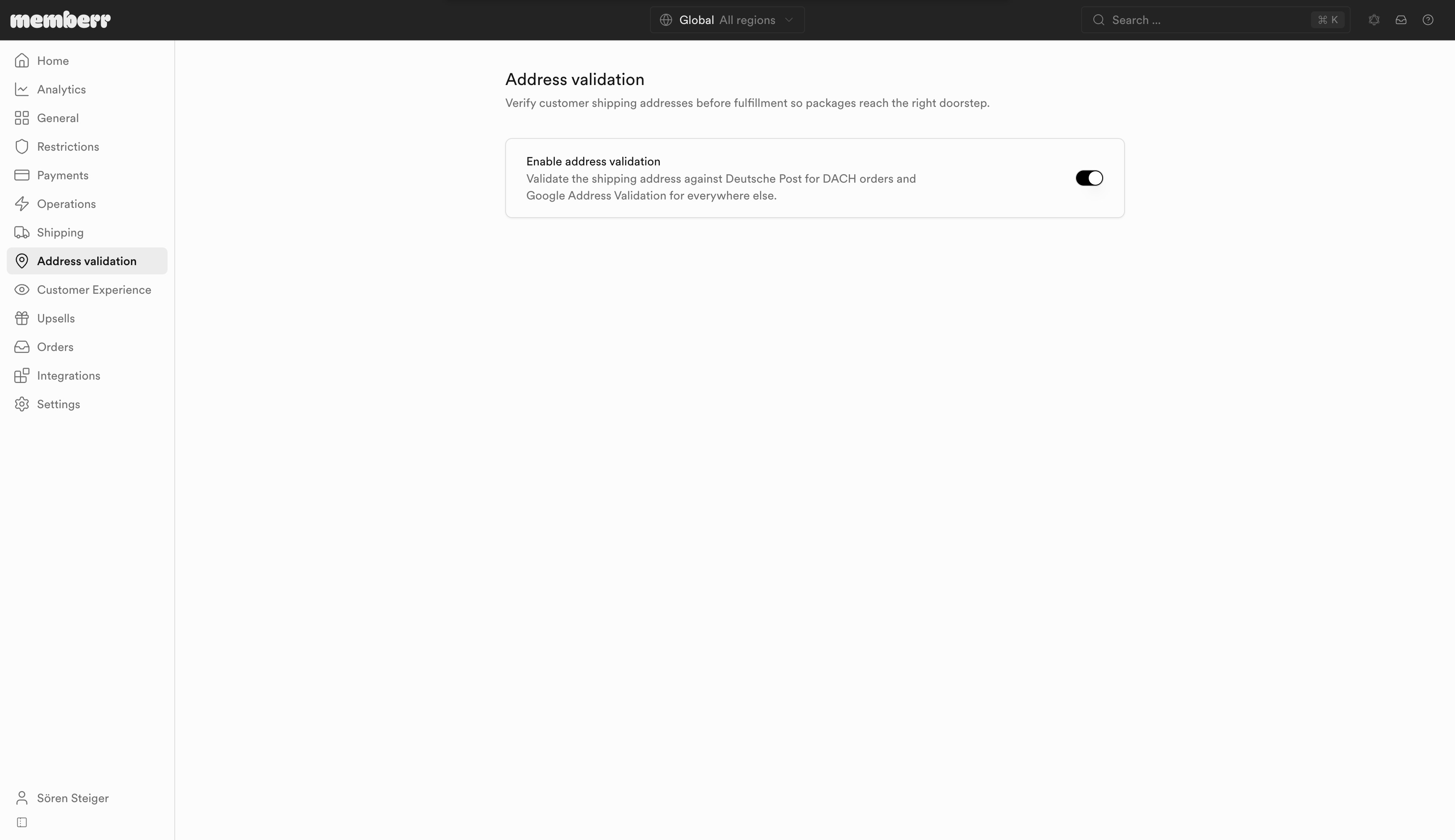
Settings
| Setting | What it does |
|---|---|
| Enable address validation | Validate the shipping address against Deutsche Post for DACH orders and Google Address Validation for everywhere else. |
What customers see
When a better address is found, a banner offers the suggestion:
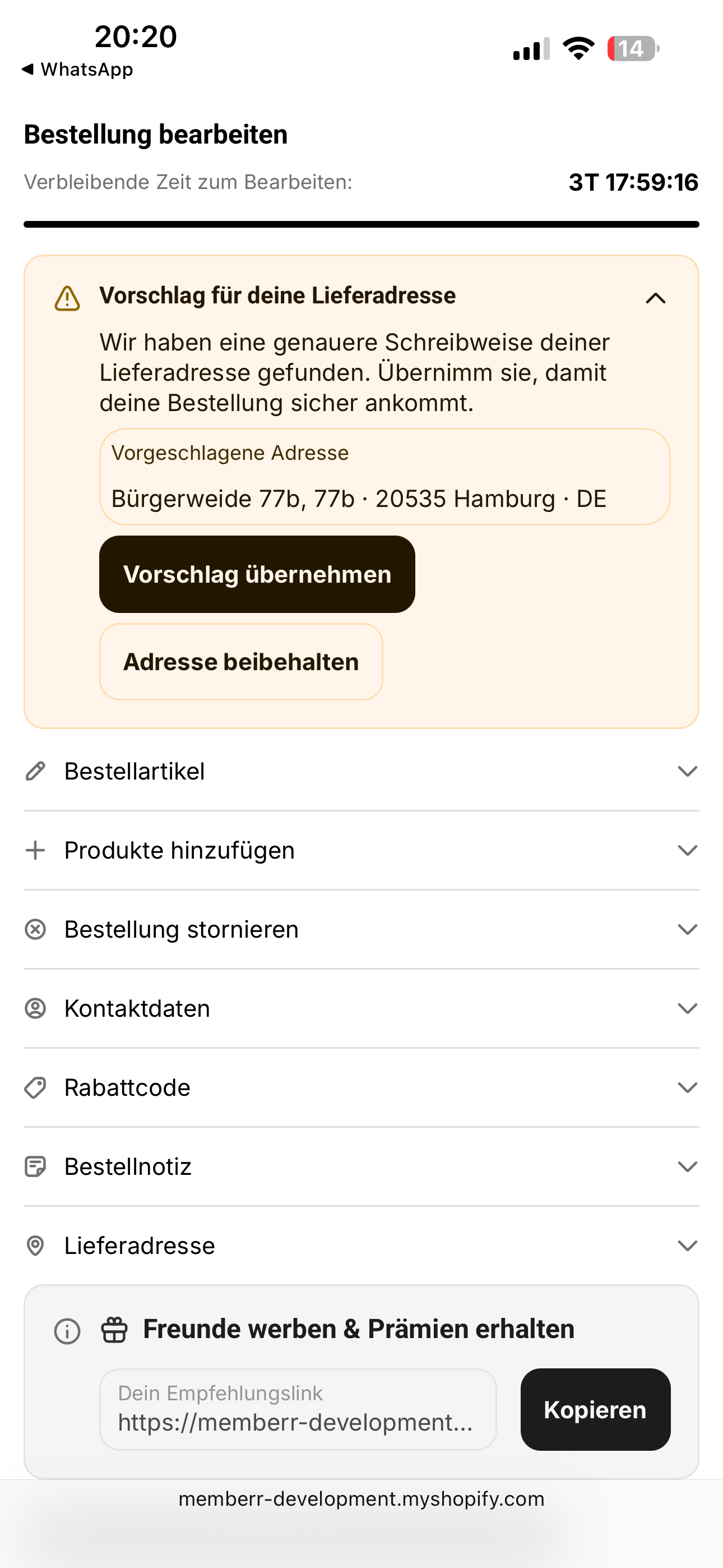
Typical actions:
- Adopt suggestion - apply the corrected address
- Keep address - dismiss the suggestion and keep what they entered
Customers can also open Edit shipping address to change the address within your restrictions (for example keep changes in the original country).
Analytics
Track suggestions shown, acceptance, rejection, and implicit dismissal under Analytics → Address validation, including a provider breakdown (Deutsche Post vs Google).