Operations
Refunds for downgraded orders and automatic reversal of unpaid edits.
Order operations define how refunds work when customers lower the order total, and when unpaid upgrades are rolled back automatically.
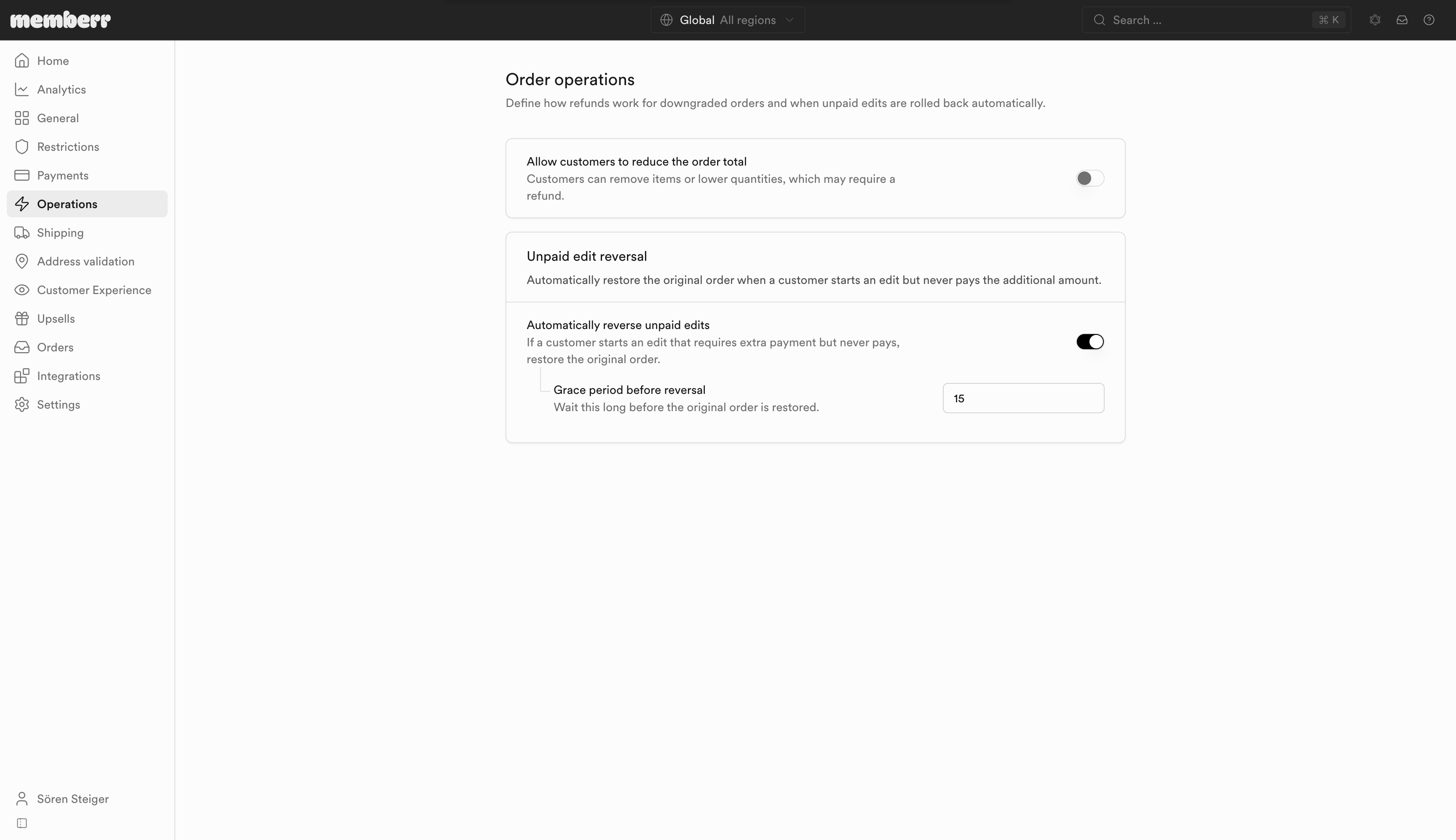
Downgrades
| Setting | What it does |
|---|---|
| Allow customers to reduce the order total | Customers can remove items or lower quantities, which may require a refund. |
| Refund destination | Where the refunded amount goes when an edit lowers the order total. |
Refund destination options
| Option | What it does |
|---|---|
| Store credit | Issue store credit immediately in the customer's currency for a future purchase. |
| Original payment method | Refund the reduced amount back to the payment method used on the order. |
| Manual review | Hold downgrade refunds for team review before any money is returned. |
Remove items and Decrease quantity under Edit items only produce a lower total when downgrades are allowed here. If this toggle is off, customers can still increase quantity or add products, but not shrink the order.
Unpaid edit reversal
When a customer starts an edit that requires extra payment (Save & Pay) but never pays, you can restore the original order so you never fulfill unpaid changes.
| Setting | What it does |
|---|---|
| Automatically reverse unpaid edits | If a customer starts an edit that requires extra payment but never pays, restore the original order. |
| Grace period before reversal | Wait this long before the original order is restored (minutes; default 15). |